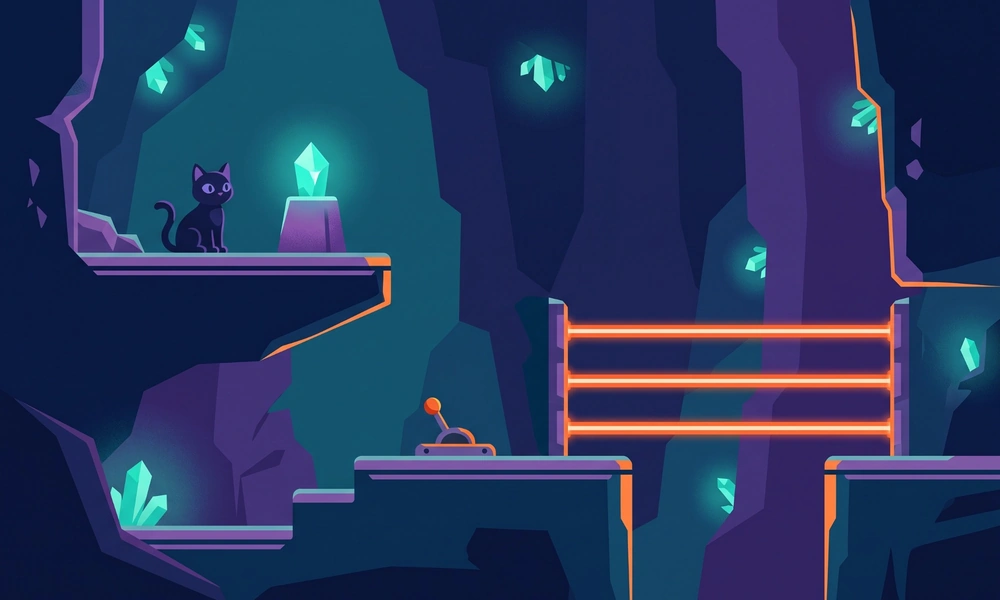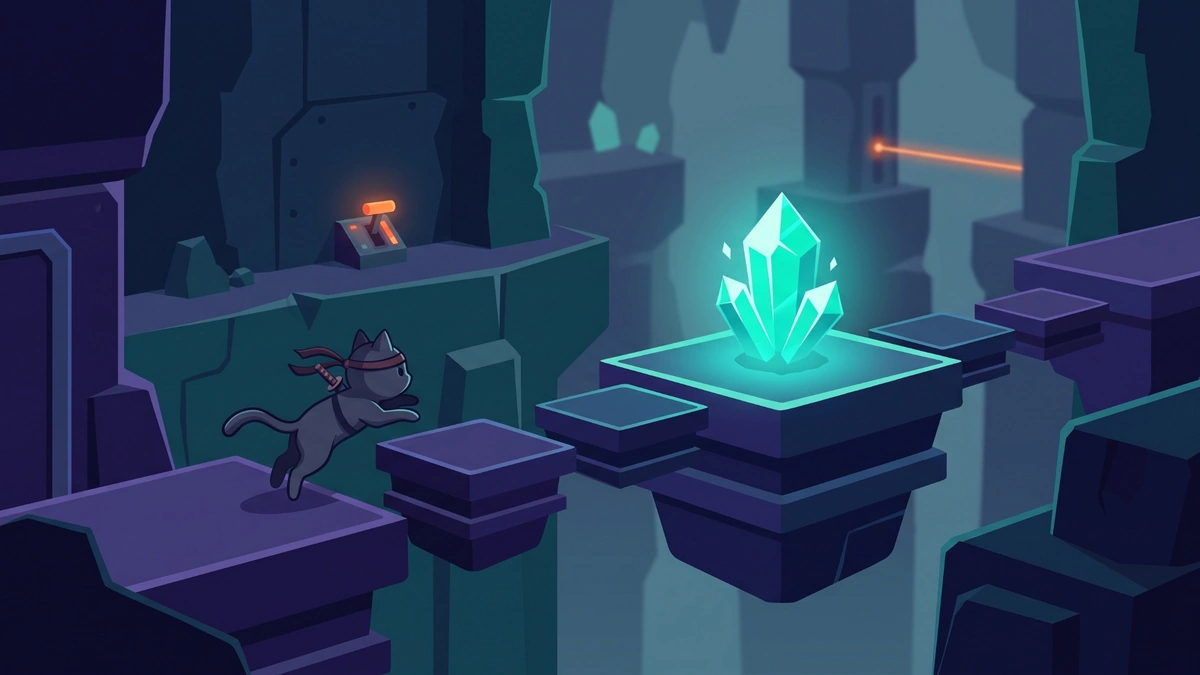
Direct Answer: The Cat Ninja game is a challenging single-player platformer where you collect magical crystal pieces while avoiding spikes, mines, lasers, and other traps. Core moves include running, jumping, double-jumping, wall-jumping, rolling, and ground pounding. Later levels add checkpoints, gravity changes, teleporters, jetpacks, switches, and increasingly precise platforming challenges.
By Gaming Station Editorial Team
Last reviewed: August 2026
The Cat Ninja game combines fast platforming with puzzle-like obstacle design. Rather than simply running toward an exit, players must collect energy-crystal pieces, understand traps, activate switches, and use movement abilities in the correct sequence.
The original game, also archived as Cat Ninja: The Quest for the Magical Energy Crystals, was released in 2013, developed by Richman Stewart, published through TrackMill, and built as a Flash browser game. Modern browser-hosted versions may use preservation or compatibility methods rather than the original Flash environment, so controls and interface details can vary slightly between sites.
This guide explains how to play Cat Ninja, the main Cat Ninja controls, how its level mechanics develop, and the most useful Cat Ninja game tips for surviving difficult sections.
Cat Ninja Game at a Glance
| Feature | Details |
|---|---|
| Game | Cat Ninja |
| Alternate title | Cat Ninja: The Quest for the Magical Energy Crystals |
| Developer | Richman Stewart |
| Original publisher | TrackMill |
| Original release | 2013 |
| Genre | Action platformer |
| Original technology | Flash |
| Mode | Single-player |
| Main objective | Collect crystal pieces and survive each level |
| Core mechanics | Jumping, double-jumping, wall-jumping, rolling, ground pound |
| Major hazards | Spikes, mines, lasers, sticky surfaces and traps |
| Advanced mechanics | Gravity changes, teleporters, switches and jetpacks |
Archival records identify the original release as a single-player Flash platformer, while contemporary coverage documents its emphasis on difficult movement and trap-heavy levels.
What Is the Cat Ninja Game?
Cat Ninja is a high-difficulty platform game built around collecting magical energy crystals while navigating increasingly dangerous obstacle courses.
The player’s cat begins with standard movement abilities, but the game quickly expects combinations of:
- Running
- Normal jumps
- Double-jumps
- Wall-jumps
- Rolling
- Ground pounds
- Switch activation
- Precise landings
Later stages introduce additional mechanics such as gravity-changing switches, teleporters, jetpacks, sticky walls, rotating environments, timed lasers, and breakable objects.
The challenge is therefore not simply raw speed. Successful play depends on recognizing what each room is asking the player to do and then executing the required sequence accurately.
How to Play Cat Ninja
The basic objective is straightforward:
Collect the required crystal pieces while reaching the end of each level without touching lethal hazards.
The difficult part is determining how to reach those crystals safely.
Basic Cat Ninja Gameplay Loop
A typical section follows this process:
- Enter a new room or obstacle section.
- Identify spikes, mines, lasers and other hazards.
- Locate crystal pieces.
- Look for switches, breakable blocks and special surfaces.
- Determine whether the section requires jumping, rolling, wall-jumping or a ground pound.
- Move through the obstacle sequence.
- Reach a checkpoint when available.
- Collect remaining crystal pieces.
- Continue toward the level exit.
Contemporary coverage notes that death normally returns the player either to the beginning of the stage or to the most recent checkpoint. Crystal pieces already collected before the death are retained.
That makes checkpoints especially valuable in later Cat Ninja levels, where several difficult mechanics may be combined within one stage.
Cat Ninja Controls
The original game’s movement was documented primarily around the arrow keys. Current browser-hosted versions may additionally support WASD, so the exact input options can depend on the version being played.
| Action | Common Control |
|---|---|
| Move left | Left Arrow or A |
| Move right | Right Arrow or D |
| Jump | Up Arrow or W |
| Double-jump | Press Jump again while airborne |
| Wall-jump | Jump against a usable wall, then push away |
| Roll | Hold Down while moving |
| Ground pound | Press Down while airborne |
| Restart level | R |
The most important Cat Ninja controls are not separate attack buttons. The challenge comes from combining movement commands accurately.
How to Double-Jump
Press the jump control once to leave the ground, then press it again while still airborne.
Beginners often press both jumps immediately.
That produces maximum height quickly, but it also removes one of the game’s best correction tools.
A more controlled sequence is:
First jump → observe trajectory → second jump only when needed
Save the second jump for situations such as:
- Extending a long gap
- Clearing the top of a wall
- Correcting an early jump
- Avoiding an unexpected hazard
- Reaching the opposite side of a shaft
- Adjusting the final landing
Using the second jump as a correction rather than an automatic input gives the player substantially more control in trap-heavy rooms.
How Wall-Jumping Works
Cat Ninja allows the player to use normal walls to gain height and move between vertical surfaces. Contemporary descriptions specifically identify wall-jumping as one of the cat’s core abilities.
The safest technique is:
- Jump toward the wall.
- Allow the cat to make contact.
- Push away from the surface.
- Aim toward the next wall or platform.
- Repeat only after confirming the next contact.
Do not reverse direction too early.
If the player changes direction before the cat properly reaches the wall, the character can lose height and fall directly into the hazard below.
Watch for sticky walls
Not every surface supports wall-jumping. Some later sections introduce sticky or special walls that force players to find another route.
When repeated jump attempts fail on the same surface, stop treating it as a timing problem and inspect the room for another solution.
How to Roll
Hold Down while moving left or right to roll.
Rolling is useful for:
- Moving quickly across open ground
- Passing through low spaces
- Maintaining momentum
- Escaping selected hazards
But speed is also the danger.
Cat Ninja’s movement can carry the character farther than expected, particularly near narrow platforms and lethal obstacles. Contemporary review coverage specifically noted the game’s somewhat slippery momentum and precision requirements.
Do not roll blindly into a room you have not inspected.
A mine or spike positioned just beyond the visible area can turn additional speed into an immediate restart.
How to Use the Ground Pound
Press Down while airborne to drive the cat downward.
The ground pound serves several purposes:
- Break glass
- Smash certain boxes
- Activate red switches
- Descend quickly
- Reduce horizontal movement during some landings
Contemporary coverage describes the same downward attack as a key tool for breaking glass and activating switches.
Aim at the center of switches
One of the more frustrating mistakes is landing beside a red button instead of directly on it.
Because some switches demand fairly precise positioning, aim for the center before pressing Down. Contemporary review coverage specifically noted that button activation could require very accurate ground-pound placement.
Understanding Cat Ninja Levels
Cat Ninja levels become harder primarily by combining mechanics rather than simply making individual jumps longer.
Early stages establish basic running, jumping and hazard recognition. Later sections combine those abilities with lasers, switches, wall-jumps, gravity manipulation, teleporters and increasingly narrow margins for error.
A simplified progression looks like this:
| Stage Type | What It Tests |
|---|---|
| Early sections | Running and basic jumping |
| Double-jump sections | Air control and jump conservation |
| Wall sections | Timing and direction changes |
| Laser sections | Observation and timing |
| Switch puzzles | Ground-pound accuracy |
| Sticky-wall areas | Route recognition |
| Gravity sections | Orientation and movement control |
| Teleporter sections | Route planning |
| Jetpack areas | New movement behavior |
| Late levels | Multiple mechanics at once |
The difficulty therefore increases through mechanical layering.
A jump that would be simple early in the game may later occur immediately after a gravity change, beside a laser, or above spikes.
How Laser Traps Work
There are two important laser situations.
Lasers Controlled by Buttons
Some barriers are connected to nearby red switches.
The usual sequence is:
- Locate the button.
- Move directly above it.
- Ground pound onto its center.
- Confirm that the laser has actually turned off.
- Cross only after the path is clear.
Do not assume that touching the edge of the button activated it.
Timed Lasers
Other laser barriers operate automatically instead of relying on a switch.
In these situations:
Watch one complete cycle before moving.
Trying to guess the pattern immediately is usually less efficient than spending a few seconds observing the timing. Current gameplay documentation describes repeating laser cycles as a later obstacle mechanic.
How Gravity Changes Work
Later Cat Ninja levels can change which surface acts as the floor. Gravity switches and rotating sections significantly alter how familiar movement feels.
After the orientation changes:
- Stop on the first safe surface.
- Identify the new floor.
- Find the next safe platform.
- Make one small movement.
- Confirm the direction of travel.
- Only then attempt the next major jump.
A common mistake is continuing to hold a movement key while gravity changes.
The extra momentum can send the character directly toward spikes or another hazard before the player has mentally adjusted to the new orientation.
How Checkpoints Work
When the cat dies, the player may return to either the beginning of the stage or the latest checkpoint reached. Importantly, collected crystal pieces can remain collected after restarting.
That changes how difficult sections should be approached.
Once a checkpoint is activated:
- Do not rush simply because progress has been saved.
- Identify nearby crystal pieces before attempting the next dangerous section.
- Treat the checkpoint as a new planning position.
- Learn the next hazard in small steps.
Later stages are easier when divided mentally into checkpoint-to-checkpoint segments rather than viewed as one continuous run.
Best Cat Ninja Game Tips for Beginners
1. Inspect the Room Before Moving Fast
Cat Ninja rewards speed only after the route is understood.
Before holding a movement key, identify:
- Crystal locations
- Spikes
- Mines
- Laser barriers
- Buttons
- Breakable objects
- Normal versus sticky walls
- Checkpoints
- Safe landing areas
A route that looks shortest may not be the correct route if a required crystal is hidden above, below or behind a switch-controlled section.
2. Use Short Movement Taps Near Hazards
Long key presses produce momentum.
Near a spike, button or narrow platform, use small directional taps instead.
This is especially useful when:
- Centering above a button
- Lining up a wall-jump
- Landing on a narrow surface
- Approaching a mine
- Preparing a ground pound
Contemporary coverage described Cat Ninja’s movement as slightly slippery, making controlled deceleration an important skill.
3. Save the Second Jump
Do not turn every jump into an immediate double-jump.
Your second jump is essentially an airborne correction.
Save it until:
- A platform becomes visible
- You need additional height
- Your first trajectory was slightly wrong
- A trap activates
- You need to move away from danger
This single habit can reduce many unnecessary deaths.
4. Learn the Trap Before Trying to Beat It
When a new obstacle repeatedly kills the cat, stop trying to execute faster.
Determine the rule first.
Ask:
- Does the laser cycle?
- Is there a hidden button?
- Does the wall support wall-jumping?
- Does the floor break?
- Does gravity change?
- Is a teleporter involved?
- Is the trap activated by proximity?
Cat Ninja is designed around introducing and then recombining environmental mechanics, so understanding the rule is often more important than reflex speed.
5. Release Movement Before Landing
Do not hold a direction all the way through every jump.
Releasing movement slightly before touching a narrow platform can reduce overshooting and help the character settle closer to the center. Current gameplay documentation specifically recommends accounting for the cat’s momentum around small platforms.
6. Look Below Before Ground Pounding
Breaking the correct block does not guarantee a safe landing.
Before pressing Down:
- Check for spikes.
- Look for mines.
- Identify another platform.
- Check whether a laser crosses the lower area.
- Decide whether a second action will be required immediately after landing.
This becomes increasingly important as levels begin combining mechanics.
7. Use R Instead of Forcing a Failed Attempt
Press R to restart the current stage.
If the cat is trapped in a clearly unrecoverable position, an intentional restart can be faster than waiting for failure.
It is especially useful when practicing the opening section of a difficult route.
Common Cat Ninja Mistakes
| Mistake | Why It Fails | Better Approach |
|---|---|---|
| Holding movement constantly | Creates excess momentum | Use short inputs near hazards |
| Double-jumping immediately | Removes your air correction | Save the second jump |
| Rolling into unknown areas | Makes stopping difficult | Inspect first |
| Repeatedly jumping on sticky walls | The surface may disable wall-jumps | Find another route |
| Hitting switch edges | Ground pound may not register | Aim for the center |
| Guessing laser timing | Leads to unnecessary deaths | Observe a full cycle |
| Ground pounding without looking | Hazard may be below | Check the landing first |
| Rushing after gravity changes | Orientation becomes confusing | Stop and recalibrate |
| Ignoring crystal placement | May force backtracking | Plan collection before exit |
| Treating every death as bad execution | Some failures reveal mechanics | Identify the rule first |
Cat Ninja Level Strategy: A Better Way to Learn Difficult Sections
For difficult levels, divide the route into five phases.
Phase 1: Observe
Do not immediately chase the crystal.
Identify every visible trap and interactive object.
Phase 2: Test
Use small movements to test:
- Wall behavior
- Laser timing
- Switches
- Breakable surfaces
- Gravity mechanics
Phase 3: Route
Decide which crystal or checkpoint should come first.
Phase 4: Execute
Use deliberate movement rather than maximum speed.
Phase 5: Optimize
Only after completing the section reliably should you attempt to move faster.
This approach is especially useful because later levels require split-second timing and combine multiple hazards.
Is Cat Ninja Still a Browser Game?
The original Cat Ninja was a Flash browser game, not a modern HTML5 release. Flash Museum’s archival record identifies the original technology and preserves the 2013 TrackMill release information.
Today, third-party sites provide browser-accessible versions or preserved builds, but implementation can vary from one host to another. Some modern pages advertise additional keyboard layouts or compatibility options that were not necessarily part of the original release.
For that reason, players searching for the Cat Ninja browser game should expect minor differences in:
- Loading behavior
- Keyboard mappings
- Fullscreen support
- Audio
- Save behavior
- Touch controls
- Emulator or compatibility layers
The underlying platforming mechanics remain the important part of the game.
Does Cat Ninja Have Multiplayer?
The archived original release is identified as single-player.
Cat Ninja is therefore primarily a precision-platforming experience rather than a multiplayer game. The challenge comes from mastering routes, collecting crystals, and surviving increasingly complex traps.
Quick Cat Ninja Beginner Strategy
For the shortest possible version of this guide:
- Learn jumping before trying to move quickly.
- Save the second jump for corrections.
- Use short movement taps near spikes and mines.
- Watch an entire laser cycle before crossing.
- Ground pound directly onto the center of red buttons.
- Do not assume every wall supports wall-jumping.
- Stop briefly after gravity changes.
- Look below before smashing through objects.
- Use checkpoints to divide difficult levels into sections.
- Learn the route first and speed it up later.
The best Cat Ninja game tips are ultimately about control rather than aggression. The game becomes easier once the player stops treating every room as a race.
Final Verdict
The Cat Ninja game is simple to understand but deliberately difficult to master.
Its basic control scheme—movement, jumping, rolling, wall-jumping and ground pounding—quickly expands into levels filled with spikes, mines, lasers, sticky walls, gravity switches, teleporters, jetpacks, breakable objects and checkpoints.
For beginners, the most important lesson is to control momentum. Save the second jump, inspect unfamiliar rooms, watch hazard cycles, and use short directional inputs when precision matters.
Players searching for the modern Cat Ninja browser game should also remember that the original was a 2013 Flash title, so current web-hosted versions may differ slightly in controls and browser compatibility.
Once the core movement becomes predictable, the game shifts from seeming chaotic to becoming a sequence of solvable platforming problems.
Frequently Asked Questions
What is the Cat Ninja game?
Cat Ninja is a single-player action platformer originally released in 2013. Players control a ninja cat collecting magical crystal pieces while navigating traps such as spikes, mines, lasers, sticky surfaces and increasingly complex environmental hazards.
How do you play Cat Ninja?
Collect the required crystal pieces while moving safely through each level. Running, jumping, double-jumping, wall-jumping, rolling and ground pounding are used to cross obstacles, activate switches and reach otherwise inaccessible areas.
What are the Cat Ninja controls?
The original game uses keyboard movement centered on the arrow keys, while some current browser versions also support WASD. Jump with Up or W, roll by holding Down while moving, ground pound by pressing Down in the air, and press R to restart.
How do you double-jump in Cat Ninja?
Press the jump key once to leave the ground and press it again while airborne. Saving the second jump until later in the trajectory gives more control for correcting landings, clearing walls and avoiding hazards.
How do you turn off lasers in Cat Ninja?
Some lasers are controlled by red buttons that must be activated with a ground pound. Other lasers cycle automatically, requiring the player to observe their timing and cross when the beam switches off.
Why can’t I wall-jump in some Cat Ninja levels?
Certain special or sticky surfaces prevent normal wall-jumping. When jumping repeatedly against a wall does not work, search for another wall, platform, switch or route rather than assuming the problem is your timing.
What happens when you die in Cat Ninja?
Death returns the player to the beginning of the level or the latest checkpoint reached. Contemporary coverage also reports that crystal pieces collected before dying remain collected.
Is Cat Ninja a browser game?
Yes, but the original release was a Flash browser game published through TrackMill in 2013. Current browser-hosted versions are preservation builds or modern implementations, so browser support and control options can vary by hosting site.