
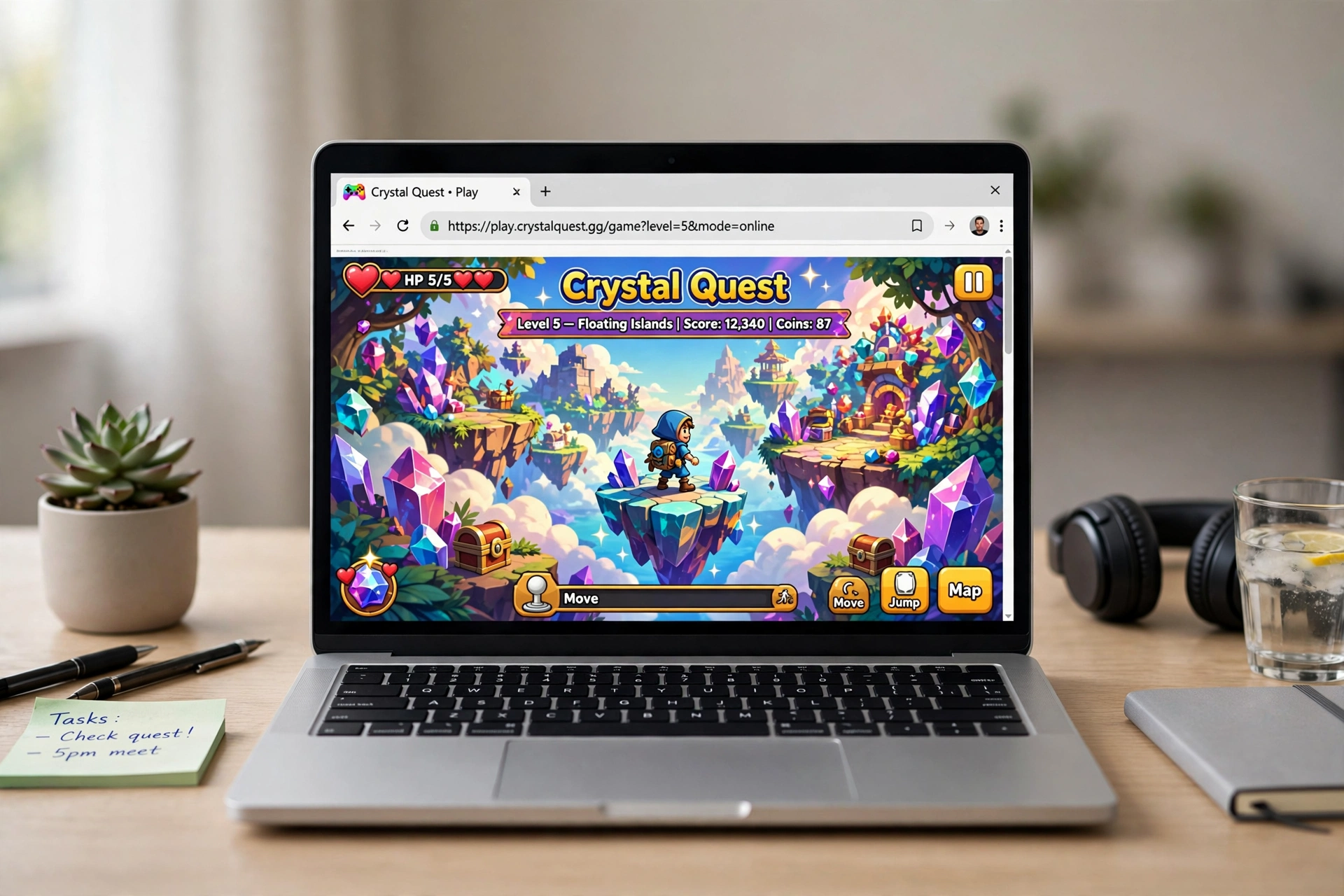
Browser games are video games that run inside your web browser with no download, no install, and usually no account. You open a page, click play, and you are in. The best ones load in under ten seconds, run on a school Chromebook or a five-year-old laptop, and close without a trace when you close the tab. This guide covers where to find them, which portals are worth your time, and the actual games worth playing in 2026.
If you want game lists first and explanations later, jump to the games by situation. If you are here because a filter blocks everything at school or work, the playing at school section points you to our two deep dives on the unblocked scene.
Researched and written by the Gaming Station Editorial Team.
The unlikely comeback of the browser game
Browser gaming died once already. The 2000s were its golden age: Adobe Flash powered thousands of free games, social hits like FarmVille pulled in hundreds of millions of players, and sites like Kongregate, Newgrounds, and Miniclip were daily destinations. Then Adobe ended Flash support at the end of 2020, browsers ripped it out, mobile gaming ate the casual audience, and an entire era of games simply stopped loading.
What brought it back was not nostalgia. Three things happened at once. First, HTML5, WebGL, and WebAssembly matured to the point where a browser tab can run a real first-person shooter. Krunker.io is the proof: fast movement, ranked modes, custom maps, all in a tab. Second, Chromebooks took over classrooms, putting a browser-only device in front of tens of millions of students who cannot install anything. Third, the .io wave showed that the simplest multiplayer ideas, Agar.io and Slither.io, could pull player counts that rival big releases.
The result is a scene that is bigger and more serious than the Flash era ever was. Modern portals host thousands of moderated HTML5 titles. Indie developers publish straight to the web to skip app stores entirely. And Kongregate, the old king, partnered with the open-source Ruffle emulator to bring thousands of classic Flash games back to life in the browser, no plugin needed. The tab is a legitimate gaming platform now, not a compromise.
The portals, ranked
You do not need ten bookmarks. These are the portals that earn one, ranked by how much they give you for zero commitment. Every one is free to start and needs no download.
| Portal | Best for | Ads | Account needed | The trade-off |
|---|---|---|---|---|
| CrazyGames | The biggest moderated library | Yes | No | Catalog size means quality varies |
| Poki | Polished casual and arcade | Yes | No | Skews casual; some titles region-locked |
| Coolmath Games | School-safe puzzles and logic | Light | No | Few shooters or action games by design |
| Kongregate | Flash classics via Ruffle plus new HTML5 | Yes | Optional | Interface shows its age in places |
| Armor Games | Strategy and tower defense with depth | Yes | Optional | Smaller than at its Flash-era peak |
| itch.io | Indie and experimental games | No | No | No curation; stick to well-reviewed titles |
| Miniclip | Big multiplayer pool (8 Ball Pool) | Yes | Optional | Pushes hard toward mobile apps and purchases |
| Newgrounds | Creative and weird web games | Yes | No | Raw community uploads; quality swings wildly |
| Chess.com | Chess, puzzles, lessons | No (core) | Free tier | It is chess. That is the whole catalog |
CrazyGames is the default answer. It hosts thousands of moderated HTML5 games, Similarweb data ranks it as Coolmath’s top competitor, and its .io and multiplayer bench is the deepest anywhere. The cost of that scale is uneven quality and ads.
Poki is the polished alternative. It is known for official browser ports of mobile hits: Subway Surfers and Stumble Guys both live here in legitimate form. Clean, fast, and the first place to check for arcade titles. Our guide to the verified Subway Surfers browser version covers which copycats to avoid.
Coolmath Games has been running since the late 1990s with an explicit educational framing, which is exactly why school filters leave it alone. Run 3, Fireboy and Watergirl, Bloxorz. If the network blocks everything else, this usually still loads.
Kongregate deserves respect for the rescue job. Its Ruffle partnership brought back thousands of Flash-era games, including fan favorites like Bloons Tower Defense 4 and Kingdom Rush, playable with no downloads. New HTML5 publishing continues alongside the archive.
Armor Games survived the Flash transition and still publishes strategy, adventure, and tower defense with actual depth. Smaller than its peak, but the games it does host tend to be finished, tested, and worth your evening.
itch.io is where the strangest and most creative browser games live, thousands of free titles from independent developers. There is no central quality control, so use ratings and review counts as your filter.
Miniclip still runs one of the largest multiplayer catalogs, and 8 Ball Pool’s player base means instant matchmaking at any hour. Expect aggressive nudges toward the mobile app and in-game purchases.
Newgrounds never left. It remains the rawest feed of creative web games and animation, which means brilliant experiments sit next to unfinished ones. Worth browsing when you want something you have never seen before.
Chess.com is the single most whitelisted gaming domain in schools. Free tier, puzzles, lessons, live play, no ads in the core experience. Limited to chess, but it is the best chess you can play in a tab.
How these portals actually make money
Worth knowing, because it explains what you see on screen. Most portals live on advertising: the games are free, and ad slots around and inside them pay the portal, which shares revenue with developers. That is why CrazyGames and Poki show ads and why the games cost you nothing. Coolmath keeps ads light because its school audience is the product it protects. Miniclip and mobile-port portals push in-app purchases because that is where their real money is. itch.io is the outlier: no ads, with developers choosing their own price, including free. None of this is sinister, but it explains the trade-offs in the table above. When a portal shows you zero ads and asks for nothing, like Classroom 6x in the unblocked space, ask what the catch is or enjoy it while it lasts.
The games worth your time, by situation
Forget genre lists. Here is what to open based on the situation you are actually in. If you would rather browse a straight ranked list, our best browser games roundup covers twelve picks in more depth.
You have fifteen minutes to kill
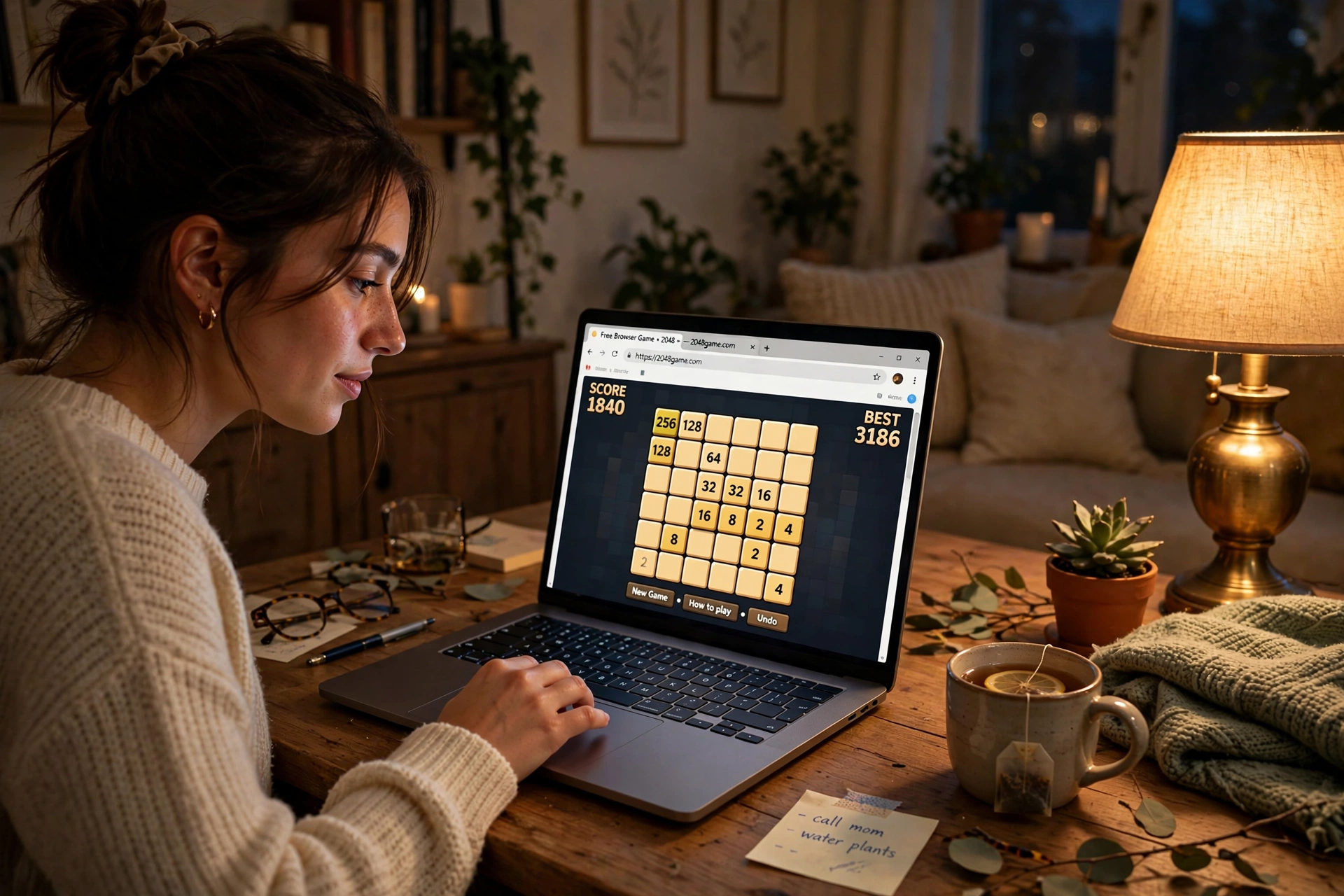
2048. The sliding number puzzle. One run takes five minutes, the rules fit in a sentence, and it works offline on any device. Still the perfect filler.
Slither.io. The modern Snake. Eat glowing orbs, avoid other players, grow enormous, die to someone smaller and cleverer. Hypnotic in a way few games manage.
Cookie Clicker. The idle game that started the genre. It runs in a background tab while you do other things, which is either the point or the problem.
Wordle. One five-letter word a day, six guesses, no more. The daily limit is the feature: it ends before it can waste your morning.
Game night with friends, no installs
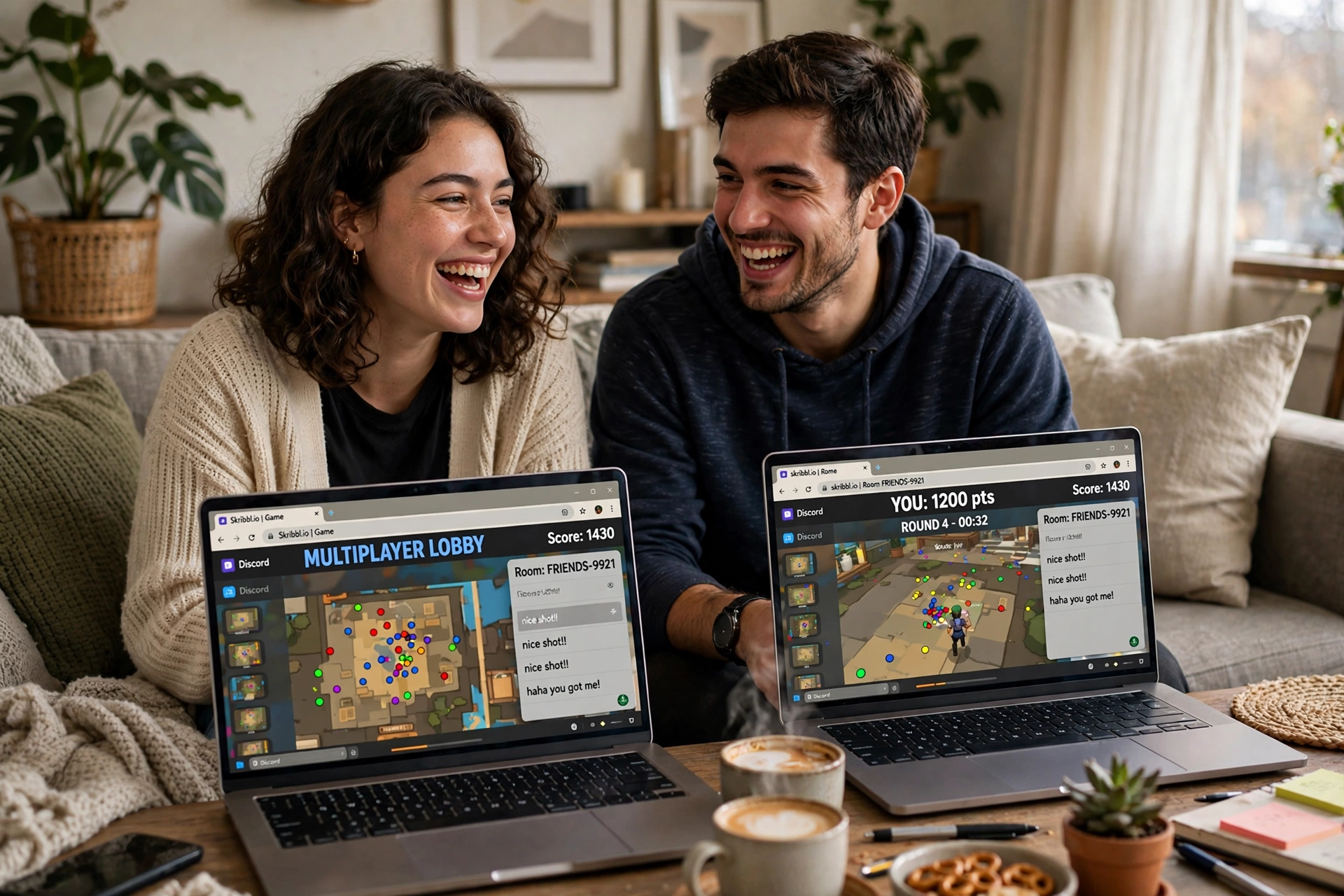
Skribbl.io. Online Pictionary. One player draws, everyone else guesses, and the worse the drawing the funnier the round. Our multiplayer browser games guide covers private rooms and invite links.
Gartic Phone. Telephone meets drawing: you draw what the last person described, then someone describes your drawing. Chaos compounds every round. Best with voice chat running alongside.
Krunker.io. A genuine first-person shooter in a tab. Fast movement, ranked modes, custom maps, and it runs on hardware that struggles with a spreadsheet. Lower the graphics settings on weak machines and it stays smooth.
Shell Shockers. Everyone is an egg, and the eggs have guns. A full multiplayer shooter that takes itself exactly as seriously as it should.
Agar.io. Eat smaller cells, dodge bigger ones, dominate the leaderboard. Ten years old and still the purest competitive loop in browser gaming.
You want something with actual depth
Old School RuneScape. A full MMORPG in your browser: quests, skills, a player-driven economy, and a community that has kept it alive for over two decades. Free tier available, and the free game is enormous on its own.
Forge of Empires. City building from the Stone Age to the future, with guilds, PvP, and long-term progression. This is the “one more turn” trap in browser form.
A Dark Room. Starts as a minimalist text game about keeping a fire lit. Becomes something much stranger and bigger. Play it knowing nothing; the discovery is the game.
Infinite Craft. An AI-powered crafting sandbox where you combine elements to discover new ones, endlessly. The community’s shared discoveries are half the fun.
Kids at the keyboard
Fireboy and Watergirl. A two-player co-op puzzle series designed for one keyboard and two players. One controls fire, one controls water, and neither can finish alone. Made for siblings.
Run 3. An endless runner through collapsing space tunnels with a genuinely clever gravity mechanic. Coolmath’s flagship for a reason, and hard to stop once started.
Subway Surfers. The endless runner everyone knows, officially playable in the browser on Poki. See our Subway Surfers unblocked guide for the verified version.
Chess.com puzzles. Rated tactics puzzles that adapt to your level. The rare kids’ game that is also genuinely good for adults.
All you have is a Chromebook
Slither.io, 2048, and Agar.io. All three run flawlessly on the weakest school-issued hardware. If a Chromebook can open a tab, it can run these.
Krunker.io. Yes, even the FPS. Set resolution to low, turn off shadows, and it stays playable on most school Chromebooks. Competitive integrity on a $200 laptop.
Bloxd.io. A voxel sandbox with modes ranging from parkour to battle royale. Lightweight, multiplayer, and built for exactly this hardware.
Paper.io 2. Claim territory by painting the map while rivals try to cut you off. Simple, fast, and runs on anything.
For fifty more picks that live on GitHub Pages and run anywhere, our best GitHub.io games roundup is the deep cut. And if the two of you are on different computers, the two-player browser games guide covers friend invites step by step.
Playing at school or work
A lot of browser game searches come from restricted networks, and that deserves its own honest section. School and workplace filters block known gaming domains, which is why whole mirror ecosystems exist on Google Sites and GitLab: pages that stay reachable because filters rarely block Google’s own domains.
We have two full investigations on this. Unblocked Games G+: What It Really Is, Is It Safe, and Where to Play Instead explains the “G+” label, why there is no official site, and how to tell a genuine Google-hosted page from a copycat wearing the name. Unblocked Games 67 does the same for the “67” mirror family, which leans on GitLab hosting. Both include safety checklists and lists of established safe alternatives.
The short version: genuine Google-hosted pages are low risk because the games are static HTML5 embeds with nothing to download, but copycat domains borrowing these labels carry real risk, and the actual danger is ad traps, fake download buttons, and “unblocker” extensions, never the game itself. If a page asks you to download, install, or allow anything, leave.
Two related deep dives if you want the full safety picture: our Unblocked Games 1024 safety review walks the same red flags across another popular mirror network, and the Selenite Games review covers that portal’s ads and privacy trade-offs.
One factual note, not a lecture: playing browser games breaks no law, but school and workplace acceptable use policies are real rules you agreed to by using their network. Many schools run monitoring software that shows teachers open tabs in real time on school-managed devices. Assume activity on a school device is visible, and make your own call with that information.
What you actually need
Nothing you do not already have. A modern browser, Chrome, Edge, Firefox, or Safari, all run HTML5 games natively. No plugins, no launchers, no admin rights. That last point matters more than it sounds: on locked-down school or office machines where you cannot install anything, the browser is the only gaming platform available, which is the whole reason this scene exists.
A few practical notes. Internet: most browser games need a connection, since the game files load from a server each visit and multiplayer obviously needs one. A handful, like 2048, work offline once loaded. Saving progress: it varies. Many games save to your browser’s local storage automatically, which means progress lives on that device and that browser, and clearing site data wipes it. Games with accounts, RuneScape or Chess.com, sync to the cloud. If a game’s progress matters to you, check whether it offers an account before investing twenty hours. Phone: most modern browser games support touch and responsive layouts, though anything built for mouse and keyboard, Krunker especially, plays worse on a touchscreen. Performance: if a game stutters, close other tabs first. Browsers share memory across tabs, and ten open tabs will hurt a game more than the game hurts itself. On Chromebooks, dropping a game’s resolution and effects settings is usually enough.
Browser games FAQs
What are browser games?
Browser games are video games played over the internet inside a web browser, with no download or installation. Visiting the game’s page loads it: the browser handles the code, graphics, sound, and controls using web technologies like HTML5, JavaScript, and WebGL. Most are free to play, and they run on any device with a modern browser, including Chromebooks, phones, and tablets.
Do I need to download anything to play browser games?
No. That is the defining feature. You open the game’s page and play; the browser temporarily loads the game’s files and discards them when you leave. If any game page tells you to download a player, an installer, or an extension to play, treat that as a red flag and leave. Real browser games ask for none of that.
Are browser games actually free?
Mostly yes. The standard model is free to play with ads, and many portals need no account at all. Some games offer optional purchases or premium tiers: Miniclip titles push in-game purchases, and games like Old School RuneScape have paid memberships on top of a large free game. You can play for hundreds of hours without paying on every portal and game in this guide.
Can I play browser games on my phone?
Yes, most modern browser games work in mobile browsers with touch controls and responsive layouts. Casual and puzzle games translate best. Anything designed around precise mouse and keyboard input, like first-person shooters, plays noticeably worse on a touchscreen. For those, a laptop or desktop is the real experience.
Are browser games safe to play?
Games on established portals are safe: the games themselves are just web pages running code in your browser’s sandbox, which cannot install anything without your explicit action. The risk lives around the games, not in them: aggressive ads, fake download buttons, and shady “unblocker” extensions on low-quality mirror sites. Stick to the portals ranked above, never download anything a game page offers, and you avoid essentially all of it.
Can I save my progress in browser games?
Sometimes. Many games save automatically to your browser’s local storage, which keeps progress on that device and browser until you clear site data. Games with accounts sync progress to the cloud across devices. Before committing to a long game, check whether it offers an account or cloud save; if it only uses local storage, your progress dies with the browser data.
Sources
- Wikipedia, “Browser game”: definition, 1990s origins, the 2000s Flash golden age, decline with mobile gaming, the .io revival.
- FRVR, “Browser Games Explained: What They Are, How They Work & Different Types”: how browser games load and run, HTML5/WebGL/Web Audio stack.
- GeekExtreme, “The 8 Best Free PC Game Websites, Period”: Kongregate’s Ruffle emulator partnership reviving Flash classics.
- TechWorm, “30 Best Browser Games: Must Play In 2026”: category picks and no-download framing.
- GetJar, “Best Browser Games No Download: Top Picks for 2026”: quick-break and multiplayer picks.
- GameDuddles, “Best Browser Games for Chromebook 2026”: Chromebook performance notes and settings tips.
- Tincha, “Best Free Multiplayer Browser Games in 2026 (No Download)”: WebGL/WebGPU/WebSockets enabling real-time browser multiplayer.
- Lilac Bullock, “The Best Free PC Games With No Downloads for Casual Players”: no-download rationale, load times, admin-rights angle.
- Similarweb, coolmathgames.com competitors (April 2026): CrazyGames as top competitor.
