
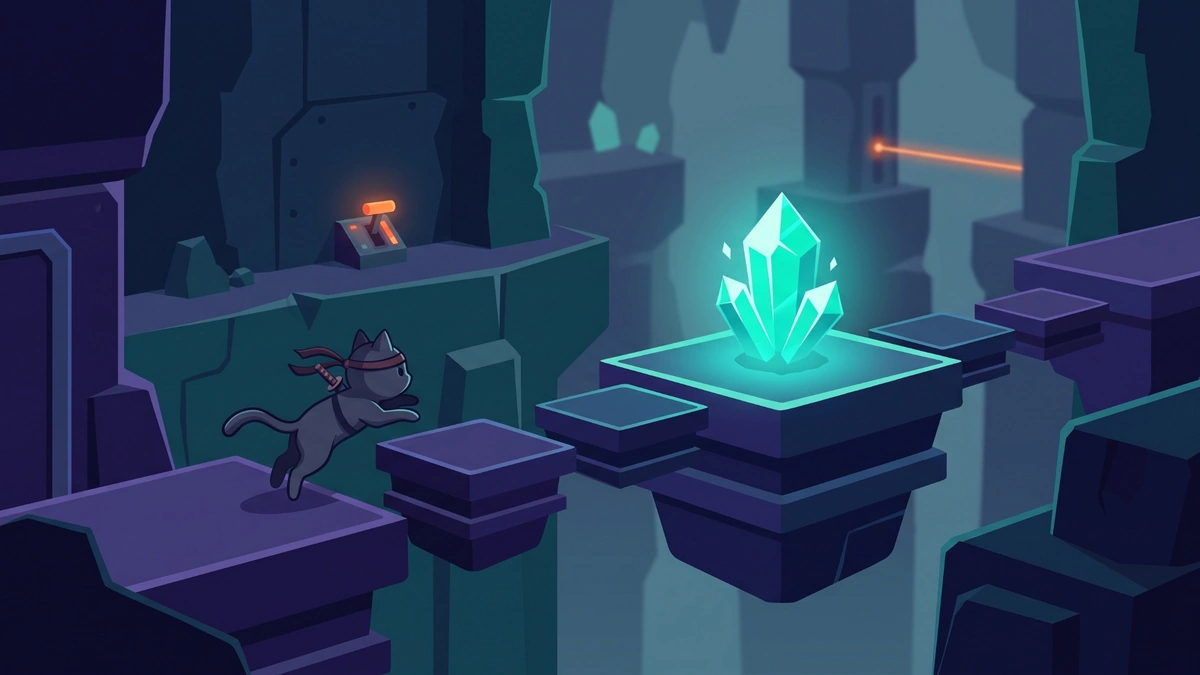
Cat Ninja asks you to collect crystal pieces and cross short rooms filled with platforming obstacles. At first, jumping looks like the whole challenge. Soon, though, you need to control your momentum, use a second jump at the right moment, and work out what each switch or surface changes. If a room keeps stopping you, watch what happens before trying to move faster.
This guide covers the original browser game’s common keyboard controls and gives you a way to solve difficult sections without a room-by-room spoiler list. Hosted versions can use different key mappings, so check the controls shown in the version you open.
Cat Ninja at a glance
| Detail | What to know |
|---|---|
| Game type | Single-player platform game |
| Main goal | Collect the required crystals and reach the next section |
| Core movement | Run, jump, double-jump, wall-jump, roll and ground pound |
| Obstacles | Narrow platforms, spikes, lasers, switches and changing gravity; some later areas add teleporters and jetpacks |
| Original release | The Flash Museum archive lists a 2013 release by Richman Stewart, published through TrackMill |
| Current browser play | Some hosts run preserved Flash content through an emulator; controls and saving may differ |
The important distinction is between the original game and a site that hosts it today. A similarly named mobile game or browser remake may have a different developer and different mechanics. Check the title and on-screen movement before using these instructions.

Learn the controls before attempting a hard room
In commonly hosted versions of the original game, the arrow keys handle movement. Some sites also list WASD. If an input does nothing, click the game area once and inspect that host’s controls rather than assuming every edition uses the same keys.
| Move | Common keyboard input | When it helps |
|---|---|---|
| Run | Left / Right arrows; A / D on some hosts | Approach a platform or adjust your position |
| Jump | Up arrow; W on some hosts | Cross a gap or reach a higher surface |
| Double-jump | Press Jump again in the air | Add height or correct a jump |
| Wall-jump | Jump while touching a usable wall | Climb a vertical space |
| Roll | Hold Down while moving | Pass a low opening or carry speed |
| Ground pound | Press Down while airborne | Hit a switch or break a marked object |
| Restart | R in many hosted versions | Try the current section again |
These are descriptions of common mappings, not a promise that every modern host behaves identically. Test jump, roll and restart on a safe section before relying on them near a trap.
Use the second jump as a correction
Jump once, watch where the cat is moving, then press Jump again when you need more height or distance. Pressing twice immediately may get you over a tall obstacle, but it leaves no adjustment for the landing. Near a narrow platform, hold the second jump until you can see where you need to land.

Treat each wall as a separate test
Move toward a wall, make contact, and jump away toward the next safe point. If you repeatedly lose height on the same surface, check whether it behaves like a usable wall. Some sections use special surfaces that change the usual route, so another platform or switch may be the solution.
Look below before a ground pound
Down while airborne can help activate a switch or break a suitable object. First, identify where the cat will land. A successful hit on a switch is of little help if you immediately slide off the platform beneath it. For a small button, center yourself above it before pressing Down.
Roll only after you can see the landing
Holding Down while moving lets the cat roll in versions that use the original keyboard layout. Try it to cross a low opening or keep moving across clear ground. Near a narrow platform, release your direction earlier than you think you need to; momentum can carry the cat past a safe stopping point. When a room is unfamiliar, walking in first gives you time to spot its next obstacle.
Read a level like a small puzzle
Cat Ninja becomes easier to understand when you separate observation from movement. Before a difficult attempt, take a moment to locate the crystal, the next safe surface, any switch and the closest checkpoint. Then identify the one mechanic that blocks the route.
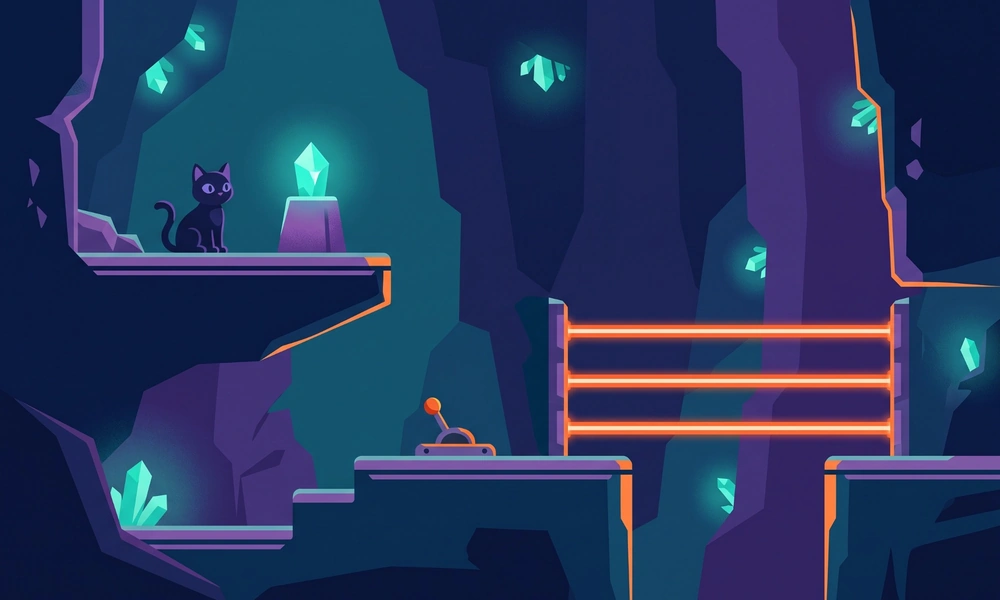
For example, imagine a crystal beyond a laser and a red switch beneath a ledge. Repeatedly jumping at the laser tests your timing but may miss the real task. Instead, work out whether the switch changes the barrier, line up above the switch, activate it, and look for confirmation that the route is open. If the laser runs on a timer, watch a full cycle before crossing.
Use the same approach with gravity changes. After the screen or movement direction changes, stop on a safe surface, find the new floor, and make a small test movement. Only then plan the next jump. This short pause is especially useful if you were holding a direction when the change happened.
What changes in later levels
Later sections may combine switches with teleporters, jetpacks or breakable objects. For a teleporter, inspect both its entry and destination before moving again; the important question is where the cat will emerge. A jetpack changes the movement you have just practiced, so test its response over a safe surface before attempting a tight route. Exact activation and steering depend on the build shown on your screen; use its on-screen prompt if one appears.

Breakable objects can reveal the next route, but first look underneath them. A successful ground pound may put you into a second obstacle immediately. In the same way, a switch can change a laser or another part of the room, so pause long enough to see the effect before crossing.
Checkpoints are useful boundaries for practice. Once you reach one, identify the next crystal and safe landing, then work on that short segment. Some descriptions of the original game say collected crystals remain after a restart. Confirm what your hosted version saves before planning a route around that behavior.
What to change when you keep getting stuck
| What happens | Likely issue | Next attempt |
|---|---|---|
| You overshoot a small platform | Too much sideways momentum | Release the direction key earlier |
| A jump falls short | Second jump used too soon | Delay it until you can judge the gap |
| A wall-jump does not gain height | The surface or contact point may differ | Test another wall or look for a switch |
| A switch seems unresponsive | The ground pound missed its active area | Line up above the center and try again |
| A laser catches every rush | Its timing or switch has not been identified | Watch a full cycle and inspect nearby buttons |
| Movement feels wrong after a gravity change | Your old directional input is still active | Stop, check orientation and test one small input |
Change one thing at a time. If you vary your start position, jump timing and direction together, you cannot tell which adjustment helped. A checkpoint also gives you a useful place to practice the next obstacle in smaller pieces. Check how your particular version handles collected crystals after a restart; save behavior can vary by host.
Can you still play the original browser game?
The original release used Flash. Adobe ended Flash Player support in 2020, so a modern browser will not run the old plugin in the usual way. Preservation sites may instead use an emulator such as Ruffle, which runs Flash content on the web. That explains why two pages with the same game name can have different loading screens, keyboard support or save behavior.
If a page asks you to install an old Flash Player download, leave it and choose a browser-hosted version that works without that plugin. Adobe warns that unauthorized Flash downloads can be unsafe. For a different selection of small browser games, see our GitHub.io games guide. If you want to play with someone else, our multiplayer browser games guide covers games built for group play; the archived Cat Ninja listing describes this title as single-player.
Frequently asked questions
Collect the crystal pieces needed for a section and make your way through its platforms and obstacles. Check what the current room shows before assuming the exit is the only target.
Press Jump to take off, then press it again while airborne. Waiting until you need the extra height gives you more control over the landing.
You may not have touched the wall long enough, or the surface may behave differently from an ordinary wall. Try a controlled jump against a safe section and look for another route if that surface consistently fails.
The archived listing identifies the original game as single-player. Another game using the same or a similar title could have different modes.
Look for a nearby switch before trying to time a crossing. If there is one, activate it and check whether the beam stops. Otherwise, observe a full cycle and move when the route is clear. Laser behavior can change between rooms.
A checkpoint can become your next starting point after a failed attempt. Hosts can save progress differently, so check where your game restarts and whether crystals stay collected before relying on either detail.
The original game was made for Flash, and Adobe no longer supports Flash Player. Try a host that runs preserved Flash content through a web emulator, then check that the game area has focus before testing the keys. Loading and compatibility depend on the host.
