
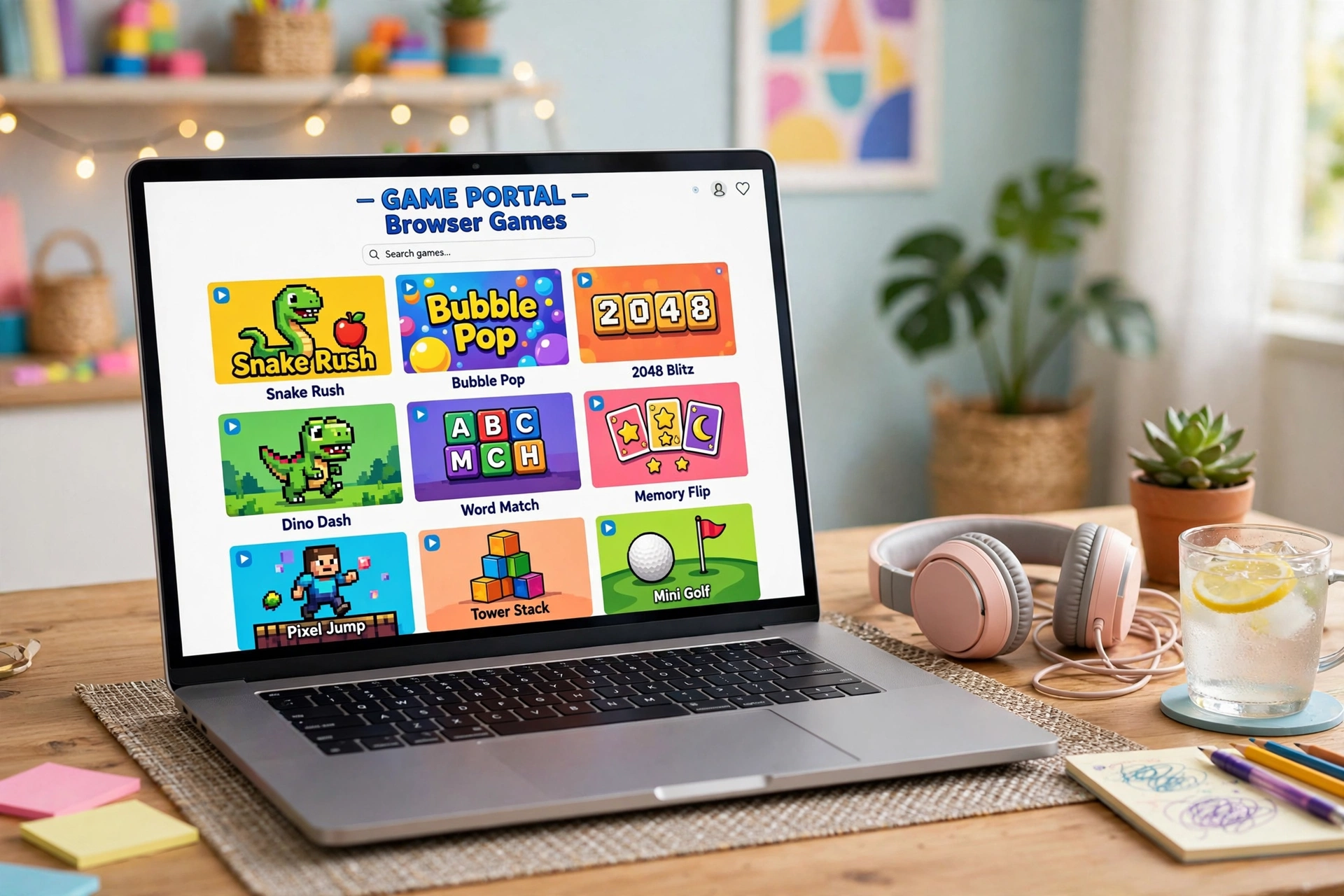
Unblocked Games G+ is not a single official website. It is a label for a loose family of browser game pages, most of them hosted on Google Sites, that stay reachable on school and work networks because school filters rarely block Google’s own domains. There is no company behind it, no official homepage, and no app. If a site claims to be the one true G+, that claim is the first red flag.
There is no official G+ website (and that matters)
This is the single most important thing to understand, so let us get it out of the way first.
The Google+ confusion
The “G+” in Unblocked Games G+ has nothing to do with Google+, the social network Google shut down in 2019. Multiple guides on this exact mix-up point out that newcomers regularly assume some connection, and there is none. The G+ here is shorthand the gaming community adopted for portals that live on Google’s infrastructure: Google Sites pages and Google Drive embeds whose addresses look like ordinary Google links instead of game sites.
What “G+” actually describes
When someone says “Unblocked Games G+”, they usually mean one of dozens of Google Sites pages that embed free HTML5 games. These pages rotate addresses constantly because the whole point is staying one step ahead of school filter blacklists. When one address gets blocked, a mirror pops up under a new one. That is why searching the term gives you a different set of links every few months, and why so many results look sketchy: VPN blogs, auto-generated PDFs on random domains, and thin pages all competing for the same keyword.
A concrete example helps. One currently live G+ style page (sites.google.com/view/drive-m-7-home/unblocked-games-g-plus) is exactly what the label describes: a plain Google Sites page with embedded games across puzzle, arcade, multiplayer, strategy, and action categories, listing titles like 2048, Tetris, Shell Shockers, Krunker.io, Bloons Tower Defense, Happy Wheels, and Moto X3M. No downloads, no accounts, no company branding. That minimalism is the signature of a genuine G+ page.
Why this matters for you
Because there is no official site, there is also no official anything: no support desk, no verified link list, no way to confirm that the page you landed on is the one your friend used. Anyone can title a page “Unblocked Games G+”. The name carries zero guarantee. The safety section below is really a guide to telling the real pattern (a plain Google Sites page) from the imitations that borrow the name.
Is Unblocked Games G+ safe? The honest answer
Genuine G+ pages hosted on Google Sites are low risk, because Google’s infrastructure does not serve executable files and its security scanning applies to hosted content. But copycat “G+” sites on non-Google domains do not carry the same guarantees, and some are built specifically to push ads, redirects, or downloads. The name tells you nothing. The hosting tells you almost everything.
Tier 1: Google-hosted pages (low risk)
Pages on sites.google.com get their safety from the platform, not from whoever made them. The games are static HTML5 embeds. There is nothing to download, no installer to run, and no mechanism for a game to put files on your device. Google scans hosted content, which filters out the worst abuse. This is why the whole G+ phenomenon exists in the first place: school filters trust Google domains, and that trust is mostly earned.
One caveat even here: individual Google Sites creators can embed ads, and some do. A pop-up on a Google Sites page is still just an ad. Do not click it, never download anything a page offers you, and close anything that tries to redirect you elsewhere.
Tier 2: copycat domains using the G+ name (higher risk)
This is where most of the actual danger lives. Search results for this keyword are full of non-Google domains borrowing the label: VPN company blogs, PDF files hosted on unrelated sites, and pages with names designed to look official. A 2026 safety breakdown of G+ platforms puts it plainly: sites that claim to be “G Plus” but are not Google-hosted carry higher risk, because none of the platform-level protections apply.
Treat any non-Google domain with the G+ name as guilty until proven innocent. The games might be fine. The ad network around them might not be.
Tier 3: the ad traps (the real threat)
The single most dangerous thing on unblocked game pages is not a game. It is everything around the game: fake “Download” buttons, pop-ups claiming your Flash player is out of date (Flash has been dead since 2020, so that message is always a lie), prompts to install a “faster browser” or an “unblock extension,” and redirects to unrelated sites. A parents-and-teachers safety guide from 2026 makes the key technical point clearly: browser-based HTML5 games cannot install anything on your computer without your explicit action. The risk comes from clicking ads on low-quality sites or installing shady extensions, never from the game itself.
Rule of thumb: if a page asks you to download, install, enable, or allow anything, leave. Real unblocked games ask for none of that.

How to spot a fake G+ clone in 10 seconds
You do not need security software to do the basic check. Run through this list every time you land on an unfamiliar page:
- Check the address bar. A genuine G+ pattern page lives on sites.google.com. Anything else wearing the G+ name deserves suspicion.
- Look for HTTPS. The padlock is table stakes in 2026. No HTTPS, no play.
- Reject every download. No real browser game needs you to download or install anything. A download button on a game page is either an ad or malware.
- Reject permission requests. A browser game has no reason to ask for your camera, microphone, location, or notifications.
- Count the pop-ups. One ad is normal. A cascade of pop-ups and redirects means the page is monetized aggressively and you should leave.
- Never install an “unblock” extension. Browser extensions marketed as unblockers are among the riskiest things in this space. They can read everything you do in the browser.
- Check the game actually loads. Fake pages often show a game thumbnail that opens an ad instead of a game. If clicking play opens a new tab full of ads, close both tabs.
The 10 safest alternatives to Unblocked Games G+
If the G+ mirror hunt feels like work, skip it. These are established platforms with real reputations, real moderation, and no need to dodge filters in the first place. Several are whitelisted at schools outright.
Coolmath Games. The granddaddy of school-safe gaming, running since the late 1990s with an explicit educational framing. Its catalog leans puzzle, logic, and strategy: Run 3, Fireboy and Watergirl, Bloxorz, and hundreds of math-adjacent titles. Trade-off: the “educational” branding means fewer shooters and action games, so adrenaline seekers will find it tame.
CrazyGames. One of the largest HTML5 portals operating today, with thousands of moderated titles and strong mobile support. Similarweb data ranks it as Coolmath’s top competitor, and it is the strongest pick for quick multiplayer sessions thanks to its deep bench of .io and competitive casual games. Trade-off: the sheer catalog size means quality varies, and ads are part of the deal.
Poki. A polished portal known for porting mobile hits to the browser: Subway Surfers and Stumble Guys both live here in official form. Clean interface, fast loading, big on arcade and casual. Our own guide to playing Subway Surfers safely in a browser covers the verified version. Trade-off: some popular titles are region-locked or ad-supported, and the catalog skews casual.
Hooda Math. Built specifically for the classroom: math games, escape rooms, and logic puzzles organized by grade level, all Chromebook friendly. Teachers recommend it because every game has a defensible educational angle. Trade-off: if you are not in the mood to learn anything, the menu will remind you that you are.
Armor Games. A veteran portal from the Flash era that survived the transition to HTML5, still publishing strategy, adventure, and tower defense titles with actual depth. Kingdom Rush style games live here. Trade-off: the catalog is smaller than it was at its peak, and the site shows its age in places.

Miniclip. One of the oldest names in browser gaming, still running a large multiplayer catalog including 8 Ball Pool and Agar.io style titles. Huge player base means fast matchmaking. Trade-off: many titles push hard toward mobile apps and in-game purchases.
Chess.com. Not a general game portal, but the single most whitelisted gaming domain in schools. Free tier, no ads in the core experience, puzzles, lessons, and live play. If your filter blocks everything else, this almost certainly still loads. Trade-off: it is chess. That is the whole catalog.
itch.io. The indie game store, hosting thousands of free browser-playable games from independent developers alongside downloadable titles. The most creative and unusual games on this list live here. Trade-off: no central curation for quality or age-appropriateness, so stick to well-reviewed games with lots of ratings.
Math Playground. Similar territory to Hooda Math: a long-running educational games site with logic puzzles, math games, and thinking games, widely used in elementary classrooms. Trade-off: aimed young, so teens will outgrow the tone fast.
Classroom 6x. A newer unblocked-style portal built specifically to avoid the problems of low-quality mirror sites: no ads at all, which is rare in this space, with a straightforward game library. Trade-off: smaller library than the big portals, and as a newer name it has less track record than the veterans above.
Games worth playing on these portals
If you just want names, these are the titles that show up again and again on G+ pages and the safe portals above, and all of them run fine on a school Chromebook. Most load in under ten seconds and need no account, which is exactly why they spread through schools in the first place:
- Slope. The endless downhill reflex game. One button to steer, speed that keeps climbing, runs that last two minutes. The unofficial mascot of unblocked gaming.
- Run 3. An endless runner through collapsing space tunnels with a genuinely clever gravity mechanic. Coolmath’s flagship for a reason.
- 1v1.LOL. A fast build-and-shoot dueling game, the closest thing browsers have to Fortnite’s core loop without the download.
- Shell Shockers. Eggs with guns. A full multiplayer shooter where everyone is an egg. Ridiculous and genuinely fun.
- Krunker.io. The most serious browser FPS: fast movement, real skill ceiling, active servers.
- 2048. The number puzzle that ate a thousand study halls. One puzzle per run, easy to quit mid-game.
- Fireboy and Watergirl. A two-player co-op puzzle series built for pairs sharing one keyboard. Made for the kid sitting next to you.
- Moto X3M. Physics bike trials with forgiving checkpoints. Easy to learn, hard to put down.
- Happy Wheels. A ragdoll physics game with dark humor. Fun, but check the content before handing it to younger kids.
- Retro Bowl. A simplified American football manager that plays like the Tecmo Bowl era. Surprisingly deep for a browser tab.
- Subway Surfers. The endless runner everyone already knows, playable in the browser. See our Subway Surfers unblocked guide for the verified safe version and the copycats to avoid.
For more no-download picks beyond the unblocked scene, our best browser games roundup and the multiplayer browser games guide cover private rooms, co-op options, and setup tips. And if you want the full safety deep-dive on a different mirror network, our Unblocked Games 1024 safety review walks through the same red flags on another popular portal, while the Selenite Games review covers yet another.
A quick, factual note on school rules
Playing browser games is not illegal. Nothing about opening a web page breaks any law. What it can break is your school’s acceptable use policy, which is a set of rules you agreed to by using their network and devices. That is a school discipline issue, not a legal one.
Two practical facts worth knowing. First, many schools run monitoring software like GoGuardian on school-managed Chromebooks, which shows teachers open tabs in real time and logs browsing history. Assume your activity on a school device is visible. Second, the common advice to use a VPN to get around school filters can itself violate the same acceptable use policy, sometimes more seriously than the gaming would. None of this is a lecture. It is just the actual situation, so you can make your own call with real information.
FAQs
What is Unblocked Games G+?
Unblocked Games G+ is a label for browser game pages, usually hosted on Google Sites, that stay accessible on restricted school and work networks. There is no single official website or company behind it. The name describes a pattern: Google-hosted pages embedding free HTML5 games that slip past filters because schools rarely block Google’s own domains.
Is Unblocked Games G+ safe?
Pages genuinely hosted on Google Sites are low risk, since Google scans hosted content and the games are static HTML5 embeds with nothing to download. The danger comes from copycat sites on non-Google domains borrowing the G+ name, and from ad traps: fake download buttons, pop-ups, and prompts to install extensions. Check the address bar, never download anything, and leave any page that asks for permissions.
What is the official Unblocked Games G+ website?
There is not one. No official G+ site exists and none is connected to Google, despite the name. Any page claiming to be the official G+ homepage is misrepresenting itself. The real pattern is ordinary Google Sites pages with embedded games, and even those rotate addresses as filters catch up.
Is it legal to play unblocked games at school?
Yes. Playing browser games breaks no law. The relevant boundary is your school or workplace acceptable use policy, which may prohibit gaming on their network or devices during school hours. Violating that policy can mean detention, loss of device privileges, or similar school discipline, but it is not a legal offense.
Can my school see what games I am playing?
On a school-managed device or school network, assume yes. Monitoring tools like GoGuardian give teachers a real-time view of open tabs on school Chromebooks and keep browsing logs. On your own device and home network, your school has no visibility. The device and the network decide what is visible, not the game site.
Do I need to download anything to play unblocked games?
No. Real unblocked games run entirely in the browser with no downloads, installs, or accounts. If any page tells you to download a player, an extension, or an app to play, that is a red flag. Close the page. The Flash player prompts some sites still show are always fake, since Flash was discontinued in 2020.
Why do schools block game sites in the first place?
Schools block gaming sites to protect class time, keep network bandwidth available for actual schoolwork, and reduce distractions. Filters work through category blacklists, keyword matching, and lists of known gaming domains. Google-hosted pages slip through because blocking all of Google Sites would break classroom tools that teachers depend on.
Sources
- Publish0x, “Unblocked Games G Plus: Best Games, How It Works & Alternatives (2026)”: safety breakdown of Google-hosted pages versus copycat domains, Classroom 6x no-ads note.
- VIRLAN, “Are Unblocked Games Safe? What Parents & Teachers Need to Know (2026)”: HTML5 games cannot install anything without user action; GoGuardian monitoring; safest-platform table.
- Google Sites, “Unblocked Games G+ – unblocked-games-g-plus”: live example of a genuine G+ pattern page, game list.
- Playthrones, “Unbanned G+: Complete Guide to Safe Unblocked Games”: Google+ versus G+ naming confusion, history of the mirror pattern.
- Medium, “What is Unbanned G+? How to Play Unblocked Games in 2025”: no official site connected to Google, community-adopted label.
- Tech Insider, “CrazyGames vs Poki vs Coolmath Games 2026 Compared”: platform strengths and trade-offs.
- Similarweb, coolmathgames.com competitors (April 2026): CrazyGames as top competitor, Poki second.
- Theme Circle, “Unblocked Games G+ Guide 2025”: G+ as a label rather than a single site, HTML5 basis.
