
Last verified: September 8, 2026
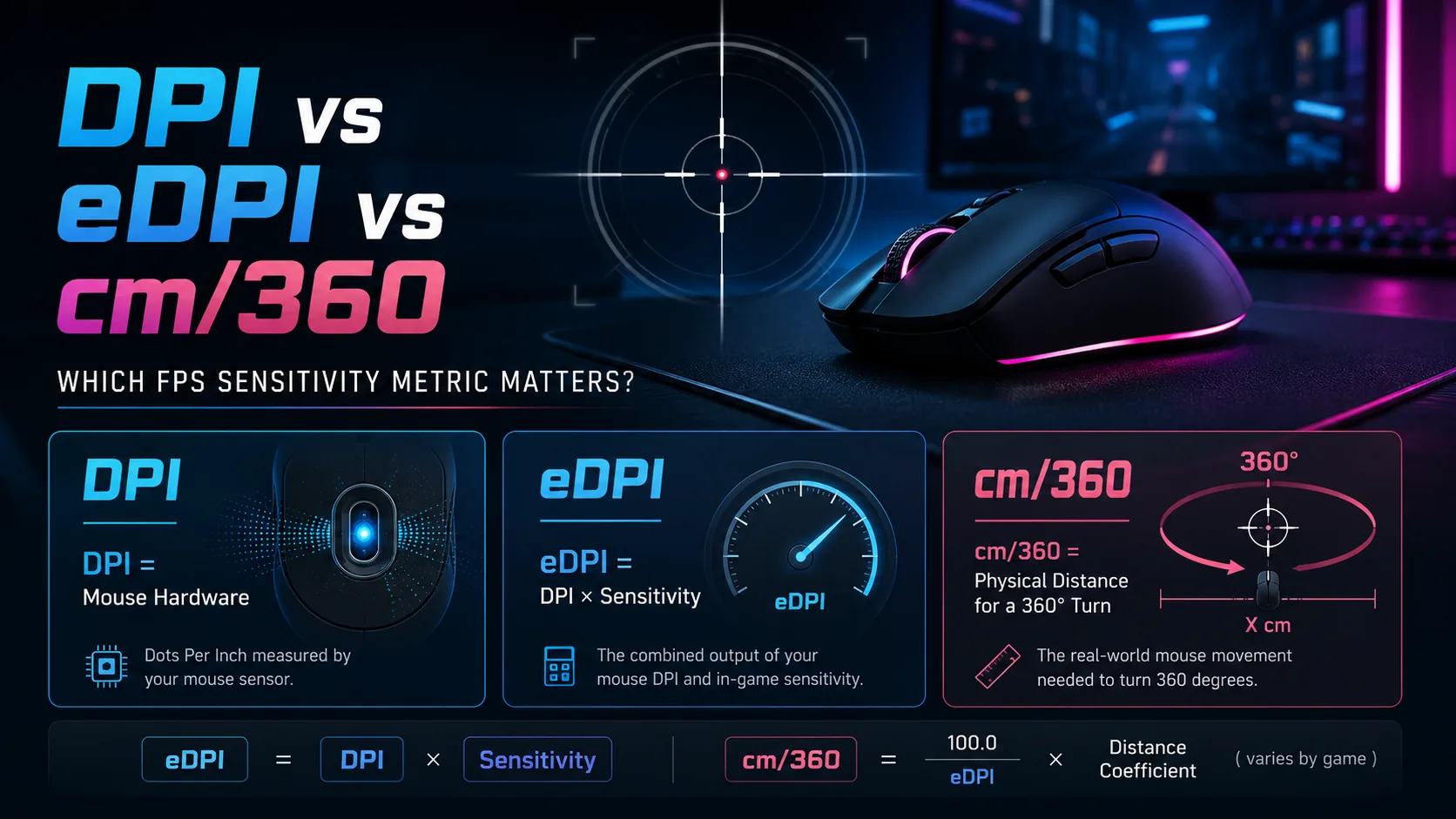
Direct answer: Use DPI to describe the mouse sensor setting, eDPI to compare sensitivity inside the same game, and cm/360 to compare physical hip-fire turn distance across games. DPI alone does not tell you how fast a game will feel, and eDPI is not a universal cross-game value.
FPS sensitivity discussions often mix three different measurements as if they were interchangeable. They are not. DPI belongs to the mouse, in-game sensitivity belongs to the game, eDPI combines those two numbers for a same-game comparison, and cm/360 describes the physical distance needed for one full horizontal rotation.
If you only want a quick result, use the GamingStation mouse sensitivity converter. If you want to understand the numbers and avoid bad conversions, use the guide below.
DPI vs eDPI vs cm/360 at a glance
| Metric | What it measures | Best use | Main limitation |
| DPI | Mouse sensor output setting | Recording or changing mouse hardware settings | Ignores the game’s sensitivity scale |
| eDPI | DPI x in-game sensitivity | Comparing players or settings in the same game | Not comparable across games with different scales |
| cm/360 | Physical mouse travel for a 360-degree turn | Cross-game hip-fire matching and desk-space planning | Does not guarantee the same visual or scoped feel |
What is DPI?
DPI means dots per inch. In gaming-mouse software, it is the label commonly used for how many movement counts the sensor reports per inch of physical travel. You may also see the technically more precise term CPI, or counts per inch. Manufacturers and players usually say DPI, so this guide uses that familiar term.
A higher DPI produces more counts over the same physical distance. Logitech’s first-party DPI explanation likewise describes DPI as on-screen cursor movement relative to physical mouse travel.
DPI is not your complete game sensitivity. A player at 1600 DPI can use a low in-game multiplier and end up with the same turn distance as a player at 800 DPI using twice the in-game value.
What is eDPI?
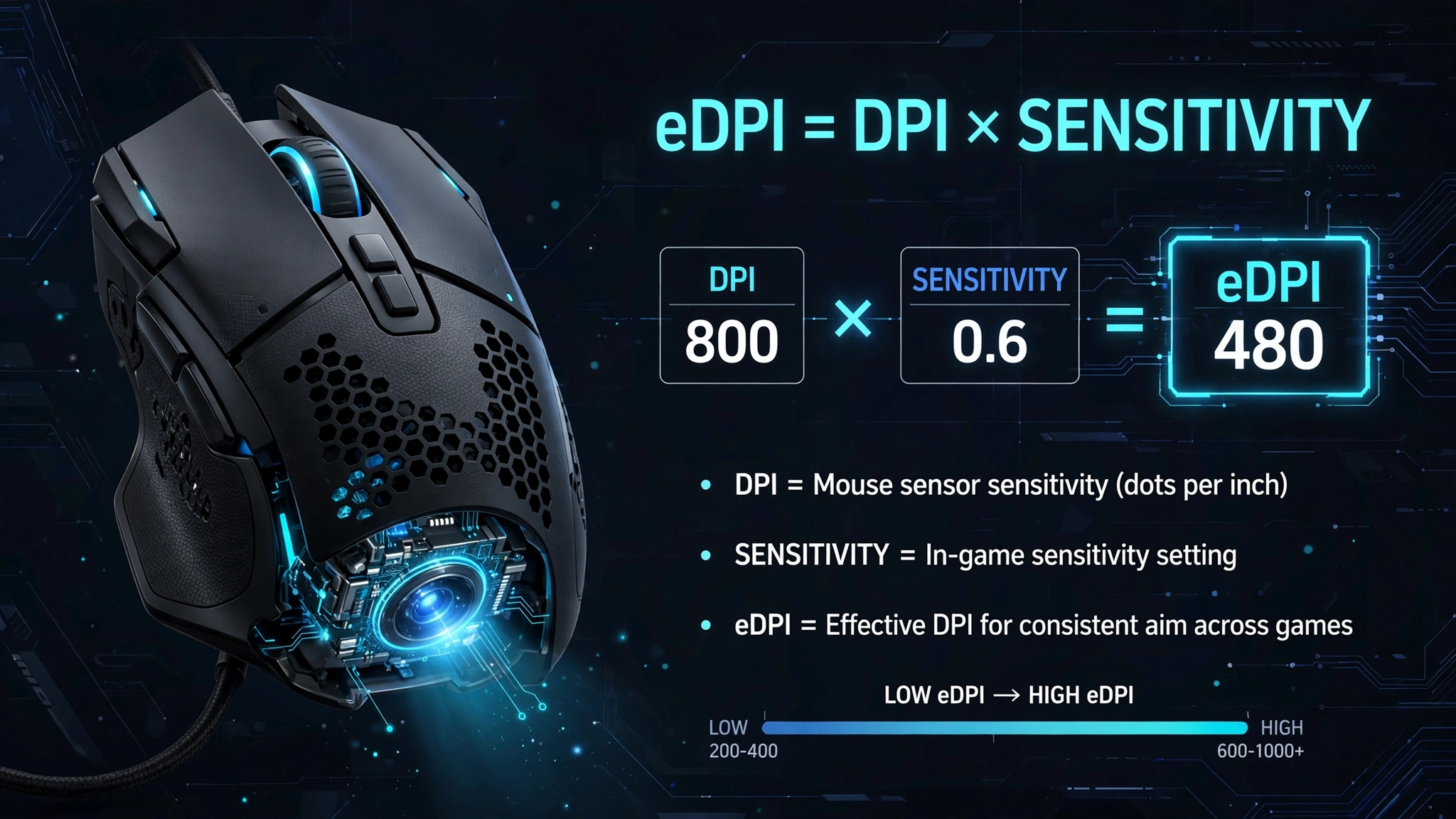
eDPI means effective DPI. The common calculation is:
eDPI = mouse DPI x in-game sensitivity
For example, these two CS2 settings produce the same eDPI:
| DPI | In-game sensitivity | eDPI |
| 800 | 1.00 | 800 |
| 400 | 2.00 | 800 |
| 1600 | 0.50 | 800 |
Within the same game, aiming mode, and input configuration, eDPI is a useful shorthand. It tells you whether two DPI-and-sensitivity combinations use the same overall multiplier.
Important limit: Do not compare eDPI between different games. A sensitivity value of 1.0 can represent a different angular scale in every game, so equal eDPI can still produce unequal physical movement.
What is cm/360?
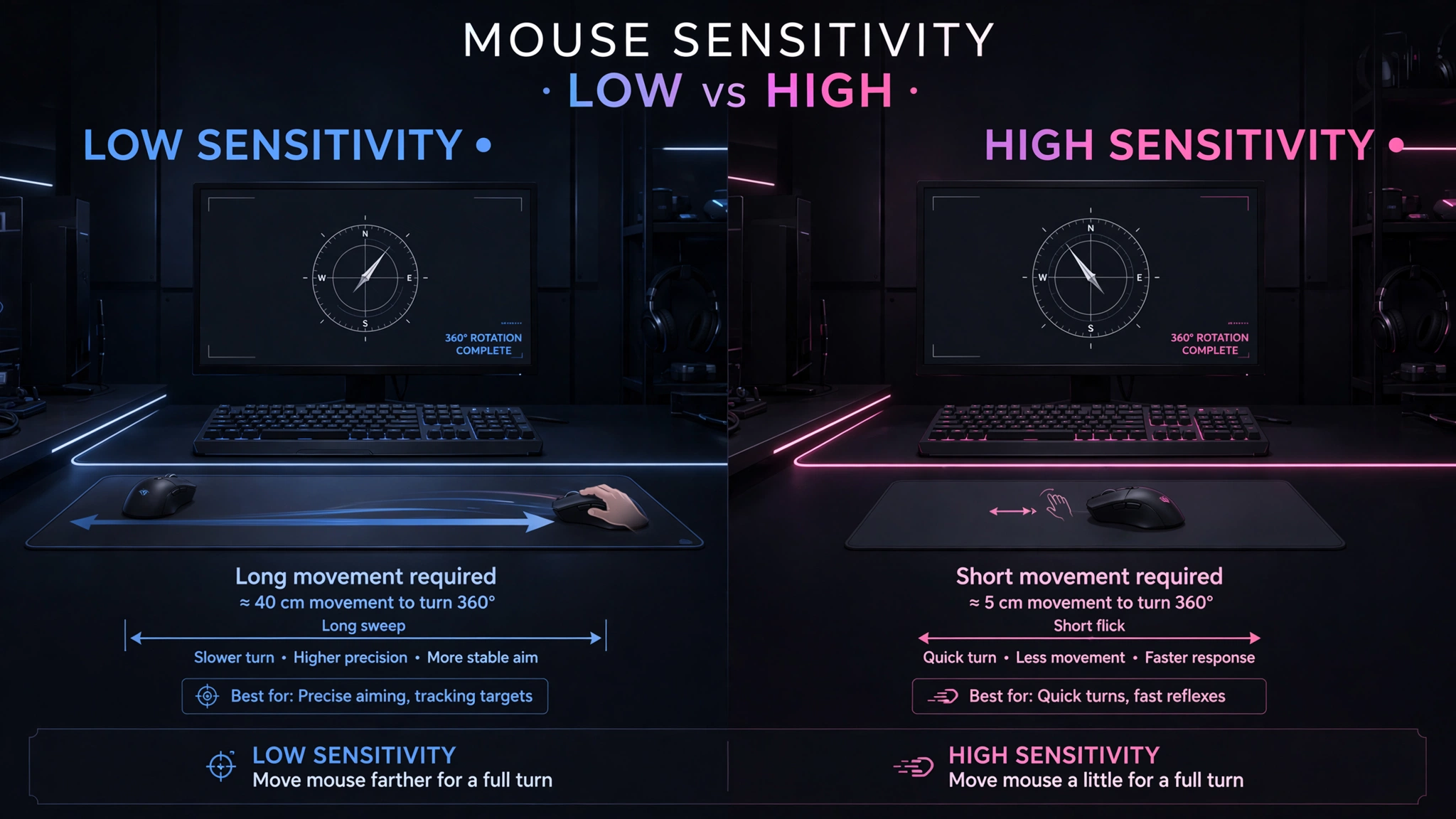
cm/360 is the number of centimetres you must move the mouse horizontally to turn the in-game view through 360 degrees. A smaller cm/360 is a faster sensitivity because less physical travel is needed. A larger cm/360 is slower.
Unlike the number shown on an in-game slider, cm/360 is a physical measurement. That makes it the clearest starting point when comparing hip-fire sensitivity across games or checking whether a mousepad provides enough room.
How to calculate cm/360
For a game with a known linear horizontal sensitivity coefficient, often called yaw, use:
cm/360 = 914.4 / (DPI x in-game sensitivity x yaw)
The value 914.4 is 360 x 2.54. The yaw coefficient represents degrees of horizontal rotation per mouse count at sensitivity 1. Use a verified coefficient for the exact game and mode; do not guess it.
For example, Valve’s Counter-Strike 2 console-variable list lists the default m_yaw value as 0.022. At 800 DPI and sensitivity 1.00:
914.4 / (800 x 1.00 x 0.022) = 51.95 cm/360
At 400 DPI and sensitivity 2.00, the result is also approximately 51.95 cm/360 because the DPI-sensitivity product is unchanged.
If you prefer a real-world check instead of relying only on coefficients, follow the ruler method for measuring cm/360.
Why eDPI works within one game but fails across games
eDPI assumes that the in-game sensitivity number has the same meaning on both sides of the comparison. That assumption is usually reasonable when the game, aiming mode, version, and input settings are identical. It is not reasonable when moving between unrelated games.
Imagine Game A and Game B both display sensitivity 1.0. If their yaw coefficients differ, the same mouse count turns the camera by a different angle. The player can have the same DPI and the same eDPI while getting a different cm/360.
Rule: Compare eDPI inside one game. Compare CM/360 across games.
How to match sensitivity across games
If both games use known linear hip-fire scales, the general conversion is:
Target sensitivity = (source DPI x source sensitivity x source yaw) / (target DPI x target yaw)
If the DPI stays the same, the DPI terms cancel:
Target sensitivity = source sensitivity x (source yaw / target yaw)
This method matches basic horizontal rotation distance. It does not automatically match ADS, scope multipliers, monitor-distance scaling, vertical sensitivity, acceleration, or perceived speed.
For a worked game-specific example, read the Valorant to CS2 sensitivity conversion guide. For other supported games, use the mouse sensitivity converter and verify the result in-game.
Changing DPI without changing physical sensitivity
When the game and yaw value stay the same, you can preserve eDPI and cm/360 by changing the in-game value in the opposite direction:
New sensitivity = old sensitivity x (old DPI / new DPI)
Example: moving from 800 DPI at sensitivity 1.00 to 1600 DPI requires sensitivity 0.50. For more examples and rounding advice, use the full guide to change DPI without changing sensitivity.
Why equal cm/360 can still feel different
Matching cm/360 gives you the same physical distance for the same horizontal turn angle. That is precise, but it does not make two games visually or mechanically identical.
Field of view: A wider or narrower FOV changes how quickly objects appear to cross the screen.
ADS and scope multipliers: Zoomed aiming may use a separate scale or coefficient.
Camera behaviour: Recoil, weapon sway, head bob, and camera acceleration change perception.
Aspect ratio and display scaling: These can change visual presentation even when the underlying angular distance is unchanged.
Input processing: Smoothing, acceleration, raw input, controller emulation, and frame timing can alter the result or feel.
Game rounding: Some menus accept only a limited number of decimal places.
Treat a cm/360 match as a reliable baseline. Then test it in the target game and make a small, documented adjustment if the visual feel or aiming task demands it.
Does Windows mouse speed change DPI or eDPI?
No. The Windows pointer-speed slider does not change the DPI stored in your mouse, and it is not part of the eDPI formula. However, whether the Windows setting affects a specific game depends on how that application reads mouse input.
Microsoft distinguishes Raw Input from legacy keyboard and mouse messages. A game using raw mouse input can process device data instead of normal desktop pointer movement. A game using a different input path may behave differently, so confirm the game’s setting rather than assuming every title ignores Windows pointer options.
Practical advice: Use raw mouse input when the game offers it, avoid unintended acceleration, and change one setting at a time. Re-test after a game update or input-method change.
Does polling rate affect eDPI or cm/360?
Polling rate is how frequently the mouse reports input to the computer. It is measured in hertz and is separate from DPI, eDPI, and cm/360. Polling rate can affect update timing and smoothness, but it does not appear in the sensitivity formulas above.
What about percentage sliders and nonlinear sensitivity?
A slider labelled ‘50%’ is not automatically half the rotation speed of ‘100%’. Some games map menu positions to internal values nonlinearly, use hidden multipliers, or apply different rules in different aiming modes.
Only use the simple yaw formula when the game has a verified linear scale. If the coefficient is unknown, measure the turn distance directly or use a game-specific method. KovaaK’s official Sensitivity Matcher is one example of a measurement-based approach.
Which metric should you use?
| Your task | Best metric | Reason |
| Record the mouse hardware setting. | DPI | It identifies the sensor setting used by the profile. |
| Compare two players in the same game. | eDPI | It combines DPI and the same game’s sensitivity scale. |
| Change DPI but keep the same game feel. | eDPI or cm/360 | Preserve the DPI-sensitivity product, then verify physically. |
| Move from one FPS to another. | cm/360 | It compares physical turn distance instead of arbitrary menu numbers. |
| Match ADS or scoped aim. | Mode-specific conversion | Hip-fire cm/360 does not include zoom multipliers. |
| Check desk or mousepad space. | cm/360 | It directly describes physical travel. |
Is there a best DPI or CM/360?
There is no universal best value. Tactical shooters often reward controlled micro-adjustments, while faster tracking-heavy games may benefit from easier large turns. Your aiming style, available mousepad space, posture, game role, and scoped settings all matter.
Choose a stable starting point that lets you turn comfortably without losing fine control. Keep it long enough to evaluate, then adjust in small steps based on a repeatable task rather than copying a professional player’s number without context.
A practical sensitivity workflow
Lock your mouse profile. Choose one DPI stage and remove accidental DPI-shift buttons if they cause unwanted changes.
Record the full setup. Save the game, hip-fire sensitivity, DPI, aiming mode, ADS or scope multiplier, acceleration state, raw-input state, FOV, and date.
Calculate or measure cm/360. Use a verified coefficient, the GamingStation converter, or the ruler method.
Convert only the matching mode. Hip-fire should be matched to hip-fire. Treat ADS and scopes separately.
Verify in the target game. Check a full turn and a repeatable aim task. If the game rounds values, note the accepted value.
Make small changes. Adjust one variable at a time and keep a record so you can revert.
What to save with your sensitivity settings
| Field | Example |
| Game and version/date | CS2 – September 8, 2026 |
| Aiming mode | Hip-fire |
| Mouse DPI | 800 |
| In-game sensitivity | 1.00 |
| eDPI | 800 |
| Measured/calculated cm/360 | 51.95 cm |
| ADS/scope values | Record separately. |
| Input options | Raw input, acceleration, smoothing |
| Visual notes | FOV, aspect ratio, resolution, zoom mode |
Common sensitivity mistakes
Comparing DPI without the in-game sensitivity value.
Comparing eDPI between different games.
Using an unverified yaw coefficient or assuming every slider is linear.
Matching hip-fire cm/360 and expecting every ADS or scope mode to match automatically.
Ignoring acceleration, smoothing, raw-input changes, or controller emulation.
Rounding too early and then treating the result as exact.
Changing DPI, sensitivity, FOV, and crosshair at the same time, which makes the result impossible to diagnose.
Assuming resolution changes raw angular cm/360; resolution mainly changes presentation, while aspect ratio and FOV can change perceived speed.
Frequently asked questions
Is eDPI the same as cm/360?
No. eDPI is DPI multiplied by in-game sensitivity. cm/360 is a physical distance. eDPI is best for same-game comparisons; cm/360 is best for cross-game rotation-distance comparisons.
Can two players have the same eDPI with different DPI?
Yes. For example, 800 DPI at sensitivity 1.0 and 400 DPI at sensitivity 2.0 both equal 800 eDPI inside the same game.
Does the same eDPI work in every game?
No. Games can use different sensitivity coefficients and input systems, so equal eDPI across games does not guarantee equal cm/360.
Does the same cm/360 feel identical in every game?
No. It matches physical horizontal rotation distance, but FOV, zoom, camera behaviour, recoil, aspect ratio, and input processing can change perceived feel.
Can I measure cm/360 without knowing my DPI?
Yes. Mark a starting position, line up an in-game reference, move the mouse until the view completes one full horizontal turn, and measure the distance travelled.
Does screen resolution change cm/360?
Normally, it does not change the raw physical distance for a full angular turn. Resolution and aspect ratio can change visual appearance and perceived speed, especially when FOV behaviour also changes.
Should I use 400, 800, or 1600 DPI?
Any of them can produce the same physical sensitivity when the in-game multiplier is adjusted correctly. Choose a stable sensor setting supported by your mouse and game, then preserve the target cm/360.
How precise should a converted sensitivity be?
Keep several decimal places during calculation, enter as much precision as the game accepts, and verify the final value in-game. Do not round intermediate steps unnecessarily.
Final Takeaway
DPI, eDPI, and cm/360 answer different questions. Record DPI as the mouse setting, use eDPI for comparisons within the same game, and use cm/360 for physical hip-fire matching across games. Then verify the result because equal rotation distance does not guarantee equal visual feel or scoped behaviour.
For the fastest starting point, open the GamingStation mouse sensitivity converter, then confirm the result with an in-game turn test.
References and Methodology
Valve Developer Community: CS2 console commands and variables
Microsoft Learn: Raw Input Overview
Microsoft Learn: Using Raw Input
Methodology: definitions and formulas were checked against first-party technical documentation and reference implementations available on September 8, 2026. Cross-game results are presented as hip-fire rotation-distance matches, not as claims of identical perceived aim or performance.
