

Choosing the right Game Pass plan starts with the gamer and the best fit. Your gaming habits shape the full breakdown more than marketing does. The best option depends on your habits, your kind of play, and others at home.
The real value comes from making the right choice across the available tiers. A smart comparison keeps the wider context clear before you judge any one option. Xbox Game Pass and Game Pass still serve different gamers with different budgets.
Xbox Game Pass Offers Plans for Various Gamers and Budgets
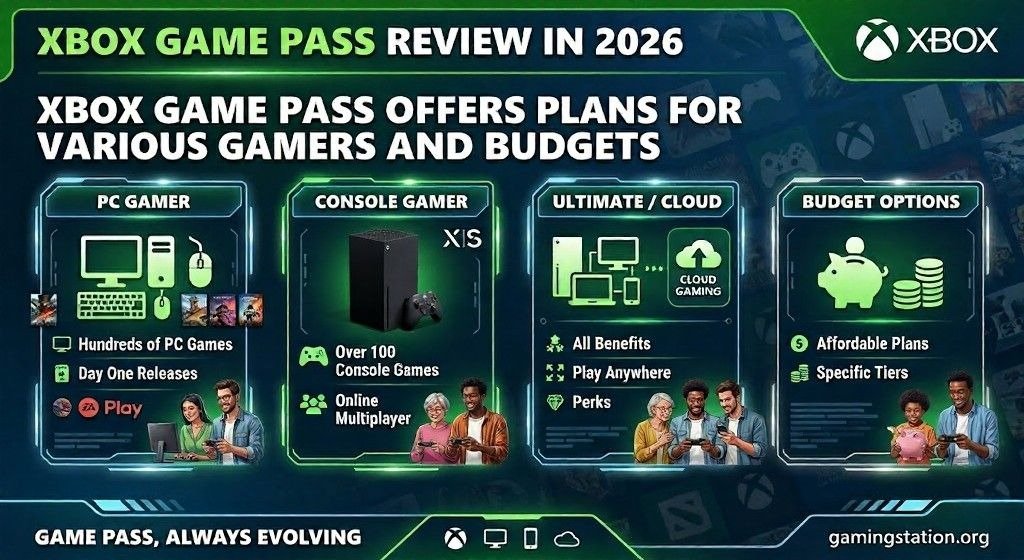
The lineup includes Essential, Premium, PC Game Pass, and Ultimate. These four plans differ in game library size, included perks, and device reach. You move from 50-plus to 200-plus, 400-plus, and 500-plus games.
The mix of console gaming, cloud gaming, and PC gaming changes by tier. Some users care about Day 1 releases, while others want a stable backlog. The monthly price points of $10, $15, $16.49, and $30 set clear expectations.
Across the lineup, the base package still has strong foundational features. That includes online multiplayer, where each subscriber can battle with friends. The number of titles usually rises with the subscription cost every month.
Hardware matters too, especially on Windows PC devices. One tier has limited device support, while others cover the DS console, PC, and cloud. That broad form of gaming access gives the service solid baseline features and clear benefits.
The higher tiers clearly give more, but the middle-ground plan has real appeal. It suits players who want balance instead of chasing every extra. That is where unique support and practical access become more useful than hype.
Best for Online Multiplayer-Focused Gamers
For online multiplayer-focused gamers, Game Pass Essential at $10 a month is enough. If you think of Master Chief, Halo, Kait Diaz, and Gears of War, this fits well. The Xbox Game Pass identity and even the green arrow logo feel instantly familiar.
You get access to online multiplayer games like Overwatch without much complexity. The plan offers access across PC, cloud, and console platforms in a useful way. It works well for people who already own games outright and use multiple devices.
That helps if you want to avoid buying a new Xbox console right now. You can stream owned games through Xbox Cloud Gaming, which adds flexibility. That option is stronger than many people expect at this price.
The weakness is the weak library compared with the higher tiers. The standout games include Fallout 4, Control, and Hades II. But those titles point to 2015, 2019, and 2020, not many newer games.
It still works nicely on everyday devices for players who want simple access. You can move between console play and cloud streaming with little friction. For users focused on online matches, the value is still easy to see.
Best for Most Gamers
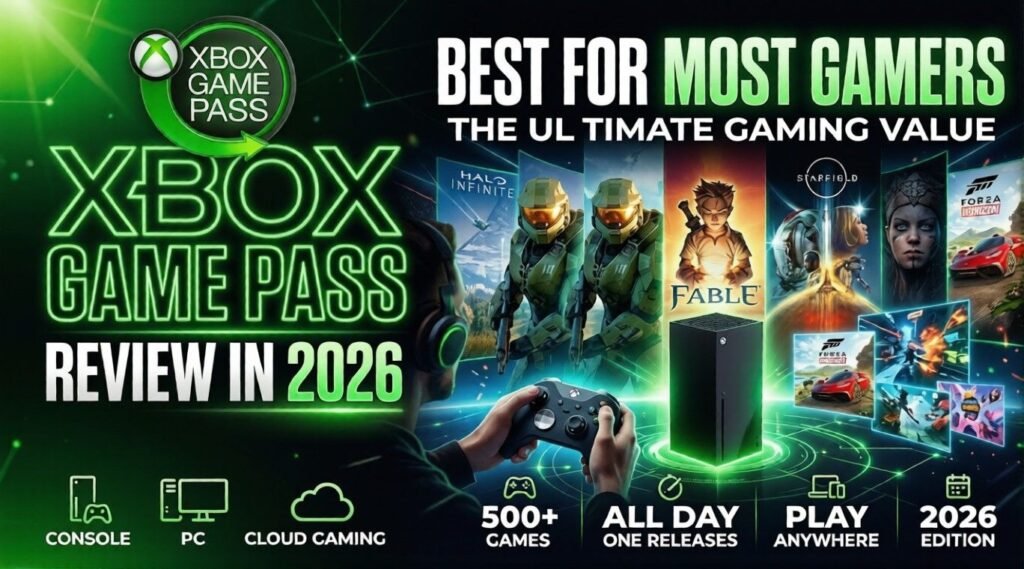
For most gamers, Game Pass Premium at $15 a month feels like the smart choice. The Xbox Game Pass logo, floating cubes, Microsoft, and even CNET style praise fit it. This is the plan for people comfortable with a little waiting before major games arrive.
You do not get Day 1 releases, but games are often added to the tier within a year. That small release lag matters less if you already have a backlog. I know that feeling well, especially with Blasphemous 2 from 2023 still unfinished.
This option is strong if your schedule is busy and your free hours are limited. With a young child, work, and home life, a flexible plan becomes more cost-effective. You can test games before you buy them outright, which reduces wasted spending.
It also helps when you need time to decide whether a game is worth keeping. You may want to own some titles later, but not every game needs that commitment. There is a surprising number of relatively new games here, which is the key strength.
That mix gives the games, the gamers, and the premium label real weight. The library feels deep enough without becoming exhausting to browse. Its practical release window gives freshness without pushing the price too high.
Best for PC-Exclusive Gamers
For PC-exclusive gamers, PC Game Pass at $16.49 a month makes sense quickly. A machine like the Lenovo LOQ 15IRX9 or another budget gaming laptop can handle a lot. That puts Lenovo and similar brands in a good spot for value buyers.
This plan includes Day 1 releases and EA Play, which improve the game library. That usually guarantees there is something new to play each month. On paper, the plan looks excellent for people who stay fully on PC.
The issue is where the plan falters for average users. You need to maintain a powerful gaming rig for new AAA games at their peak. The tier is limited by the power of your PC, not the service alone.
A solid gaming desktop or modern laptop can make it shine. But constant upgrading of your machine costs real money over time. If that feels like too much, consider a different plan and stream games to your computer.
From my view, Microsoft built this around users with dependable hardware already in place. If you have that setup, game performance can be excellent for the price. If you do not, the value drops faster than many reviews admit.
Best for Voracious Gamers
For voracious gamers, Game Pass Ultimate at $30 a month is the full package. Every Xbox Game Pass message from Microsoft and CNET points to this tier. It packs the most benefits and the biggest perks into one subscription.
That is especially true if you play Fortnite and churn through new games at a speedy clip. The inclusion of EA Play, Ubisoft Plus Classics, and over 75 Day 1 releases a year matters. That is close to one new game a week, which few services can match.
You also get thousands of hours of content before counting extra bonuses. Then Fortnite Crew adds more goodies every month. That includes the current Battle Pass, Rocket Pass Premium, and 1,000 V-Bucks.
The catch is time, and that matters more than price tables suggest. You need real free time to enjoy the latest games and burn through them fast. If you would otherwise buy one $70 game monthly, you may save up to $480 a year.
If you price the extras separately, the numbers still look strong. There is $6 worth of EA value, $8 of Ubisoft value, and $12 of Crew value. Then you add hundreds of other games, and the pitch becomes very compelling.
Most Useful Game Pass Plans
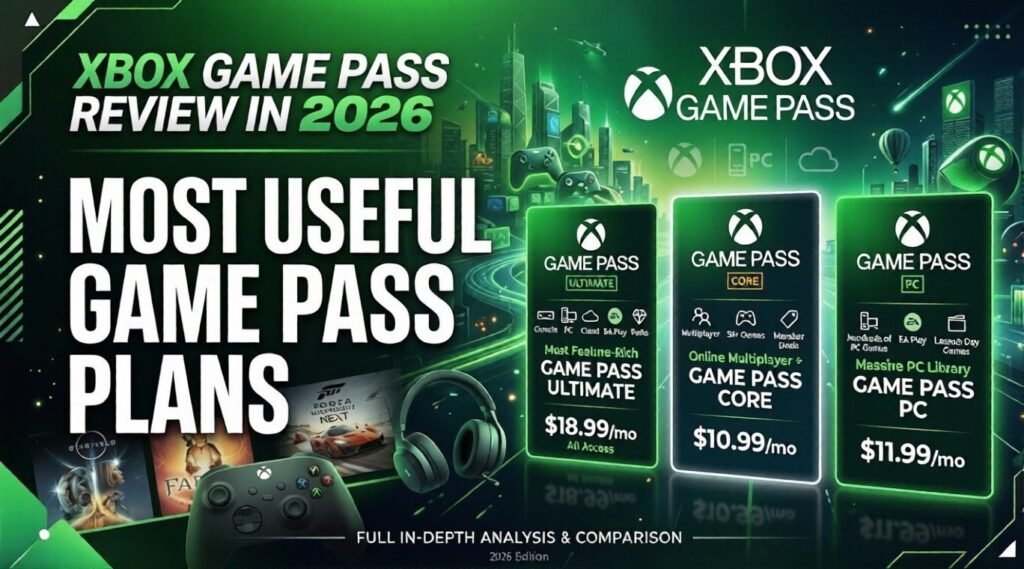
In the middle of all this, most Game Pass plans still cover the basics well. The shared set of useful benefits remains one of the service’s biggest strengths. These baseline features appear in Game Pass Essential, Premium, PC Game Pass, and Ultimate.
Those are real shared features that help ordinary subscribers every day. The overall utility comes from convenience more than from flashy marketing. You feel the service-wide advantages most when moving between devices and games.
You Can Game Across a Variety of Devices
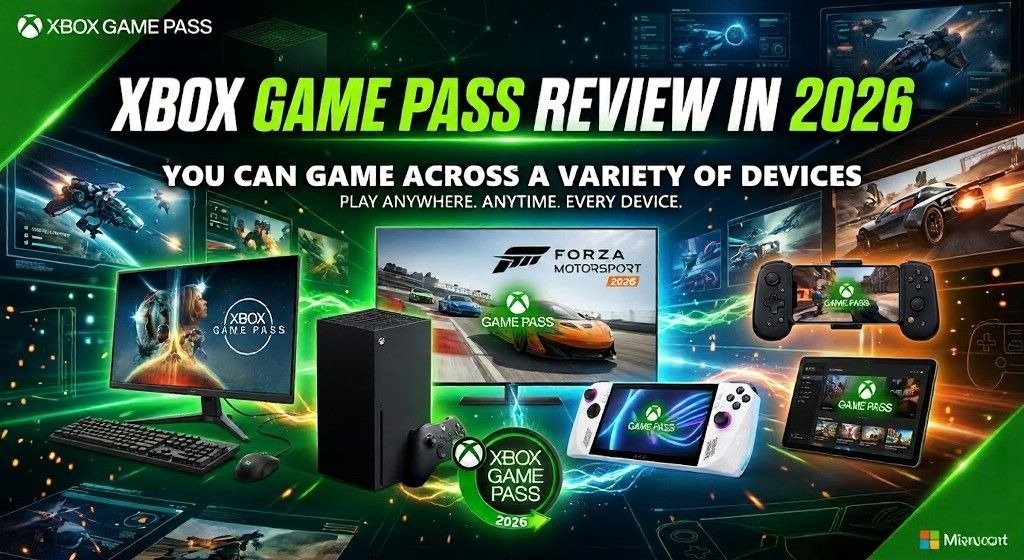
A major reason the service stays strong is that you can game on a variety of devices. If you subscribe to Game Pass Essential, Premium, or Ultimate, you gain broad flexibility. You can play on console, PC, and the cloud across many supported devices.
Those screens can include a phone, tablet, smart TV, or streaming device. You can also use handheld game consoles like the Asus ROG Xbox Ally X. This broad device compatibility means you do not need an Xbox console to stay involved.
Some games, like Enter the Gungeon, are optimized for touchscreen play. That is helpful on handheld devices when you want to play without extra gear. In other cases, a controller or compatible controller is the better option.
A good gamepad improves the experience immediately on larger screens. Popular Xbox Game Pass controllers include the Backbone One, Backbone One Pro, and Razer Kishi V3 Pro. Those accessories make mobile and TV play feel more reliable.
The one clear limitation affects PC Game Pass subscribers more than everyone else. They stay tied to desktops, laptops, and handheld PCs for most of their use. That means they cannot easily stream games to many other devices.
You Can Stream Games You Own
Another useful feature is the ability to stream games you own through cloud gaming. Here, Microsoft gives Essential, Premium, and Ultimate subscribers extra freedom. They can access many owned games without waiting for those titles to join the service.
A good example is Baldur’s Gate 3, which is not currently on any Game Pass tier. Even so, it can run on a compatible device like a phone or smart TV. That creates a strong bridge between your purchases and your subscription.
The downside is that PC Game Pass subscribers miss much of that freedom. Without full cloud gaming support, their flexibility is lower than that of other tiers. That split matters more in 2026 because players expect games to follow them everywhere.
On a MacBook using Chrome, an iPhone 16 Pro, and an Xbox Series S, results were mixed. A short loading screen was common before Call of Duty and Ball x Pit started. There was no need for downloading, and the games felt close to running locally.
The harder test came with Cyberpunk 2077 over Wi-Fi. At first, I saw a black screen, then delayed character models after launch. With Dead Cells, a less demanding game, I noticed fewer load times and fewer latency issues.
One practical win is that several popular games are playable on all tiers. Many less recent gaming franchises remain available across the four tiers today. That helps budget users who still want familiar names rather than only new releases.
Games like Control, Fallout 4, and Halo 5: Guardians are all playable everywhere. That means every Game Pass tier still gives something meaningful to many users. It also makes it easier to replay an original game before a sequel arrives this year.
Game Pass Offers In-Game Benefits
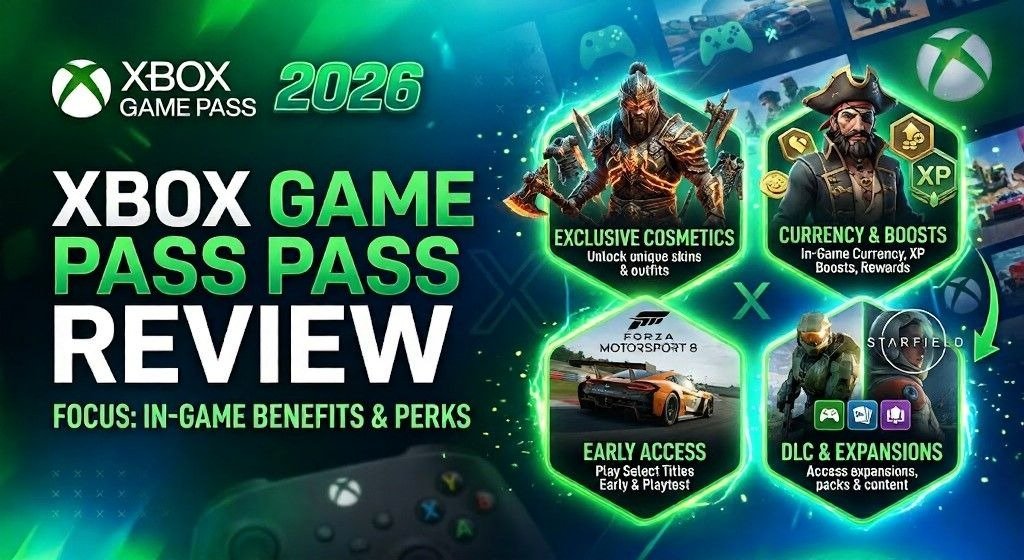
Beyond the library, in-game benefits and rewards work across the board for many subscribers. These perks mainly target free-to-play games, which fit modern play habits. You can unlock six hero skins and 30 Mythic Prisms in Overwatch.
You can also get two operator skins in Call of Duty Warzone. There is access to every current and future champion in League of Legends, too. Even the Overwatch logo, its characters, and the larger Blizzard tie-in matter here.
There is also a store angle that many players should notice. You can redeem Rewards points in the Xbox Store for games and add-ons. Premium and Ultimate subscribers get point multipliers and more points per dollar spent.
Savings on purchases are part of the appeal, too. Every tier can get 20% off selected titles from the Game Pass library. Essential, Premium, and Ultimate subscribers can sometimes get up to 50% off.
If you want to own it, that extra discount can change the math quickly. These perks work best for people who already enjoy live-service games. You still need some patience to acquire and redeem rewards well.
Xbox Game Pass Is Not Your Only Gaming Service Option
Even so, Xbox Game Pass is not the only gaming service option in 2026. GeForce Now and PlayStation Plus remain important rivals in the same space. These are three popular gaming services, each with different benefits for different users.
The biggest differences come from potential game libraries and cloud streaming capabilities. That affects the overall subscription picture more than people often admit. For most gamers, Game Pass still feels easiest to recommend across several device types.
A lot of that comes from hardware agnosticism across the ecosystem. It helps that each plan’s library can reach beyond one box under the TV. The larger libraries in Game Pass Premium and Ultimate make them easy to recommend.
PS Plus still makes the most sense for PlayStation power users. If you already live inside the PlayStation ecosystem, its offer looks stronger. There are over 600 games there at the time of writing, with new games every month.
But there are trade-offs when you compare the services directly. You do not get as many Day 1 releases, and streaming games to other devices is more limited. That gives Game Pass a real edge for users who move between screens often.
GeForce Now is a better fit for PC gamers who want to play on other devices. If you already have a PC Game Pass subscription, it can pair very well. The same is true if you have a large library of PC games in your own collection.
The limit is that you only get 100 hours of game streaming per month. If that is not enough, you need to buy additional playtime. That cap makes it useful, but not always the best long-term answer.
Why the Value Story Still Holds Up
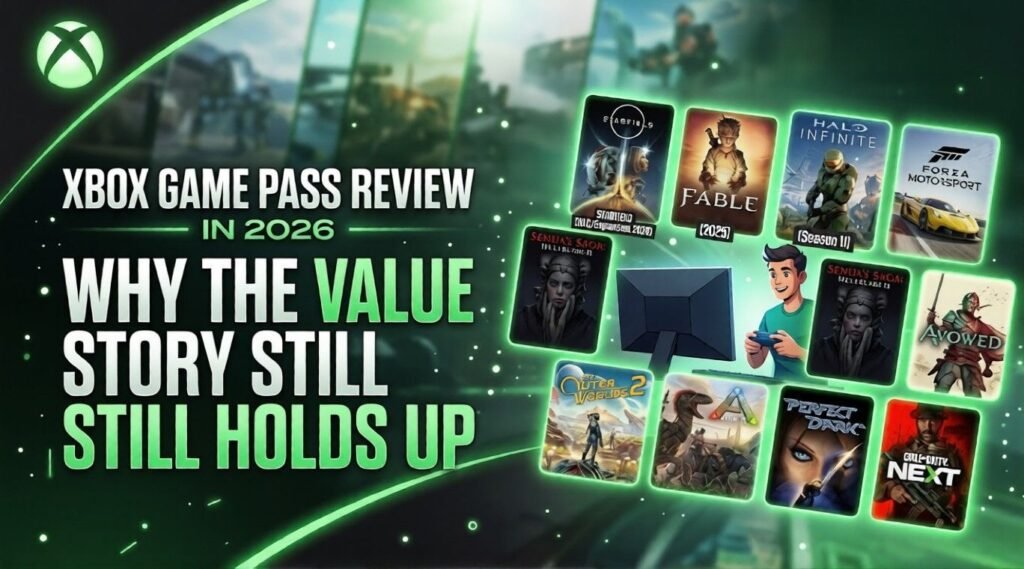
At the core, Game Pass is a great value for all gamers for one simple reason. It lowers the cost of trying games across many screens and play styles. I keep thinking of those five vertical slides of game characters and text around Xbox Game Pass.
For many users, paying for a few months is still cheaper than buying a game outright. That is the clearest part of the excellent value story in 2026. You can use existing devices like a PC, phone, tablet, or streaming device.
Yes, Ultimate is not the best value it once used to be. But the overall cost-effectiveness of the service is still hard to beat. In many cases, the monthly subscription for Game Pass Premium is significantly less.
A title like Cyberpunk 2077 proves the point very quickly. In some cases, access through the service creates a better value than buying it alone. That is why Microsoft’s Xbox Game Pass service still feels relevant for modern gamers.
Gaming Overview Table:
| Aspect | Overview | Verdict |
| Game Library | Large catalog with first-party Xbox titles, indie games, and rotating third-party releases. | Strong variety and value |
| Day-One Releases | Microsoft first-party games usually launch on Game Pass the same day they release. | Major advantage |
| Pricing Value | The monthly fee is often cheaper than buying several full-price games each year. | Excellent for frequent players |
| Platform Support | Available on Xbox consoles, PC, and cloud gaming on supported devices. | Flexible ecosystem |
| Drawbacks | Games can leave the service, and not every title is included permanently. | Good, but rotation matters |
FAQ’s
Q. What is Xbox Game Pass in 2026?
Ans: Xbox Game Pass is a gaming subscription service with multiple plans that give access to game libraries, online multiplayer, and device-based play options.
Q. How many Xbox Game Pass plans are available in 2026?
Ans: There are four plans in 2026: Essential, Premium, PC Game Pass, and Ultimate.
Q. Which Xbox Game Pass plan is best for online multiplayer gamers?
Ans: Game Pass Essential is the best fit for gamers who mainly want online multiplayer and already own most of their games.
Q. Which Game Pass plan is best for most gamers?
Ans: Game Pass Premium is the strongest all-around option because it offers a larger library at a reasonable monthly price.
Q. Is PC Game Pass worth it for PC-only players?
Ans: Yes, PC Game Pass is a good choice for PC-only gamers, especially if they already have a capable gaming desktop or laptop.
Q. Who should choose Game Pass Ultimate?
Ans: Game Pass Ultimate is best for heavy gamers who want the biggest library, Day 1 releases, and extra perks like EA Play and Fortnite Crew.
Q. Can you play Xbox Game Pass on devices other than an Xbox console?
Ans: Yes, many Game Pass plans let users play across consoles, PC, cloud, phones, tablets, smart TVs, and some handheld devices.
Q. Can Xbox Game Pass subscribers stream games they already own?
Ans: Yes, some plans let subscribers stream owned games through cloud gaming, even if those titles are not included in the Game Pass catalog.
Q. Does Xbox Game Pass offer rewards and discounts?
Ans: Yes, Game Pass includes in-game rewards, store discounts, and points that can be redeemed for games and add-ons.
Conclusion:
Xbox Game Pass still delivers strong value in 2026 for many types of players. The best plan depends on your budget, devices, and gaming habits. This review of the Xbox summary shows that the right tier matters most. A smart Xbox review always matches the service to the player.
Essential fits simple needs, while Premium suits most regular gamers well. PC Game Pass works best for dedicated PC users with solid hardware. Ultimate is the strongest choice for players who want everything at once. Overall, this Xbox game review shows Game Pass remains a smart buy.
