
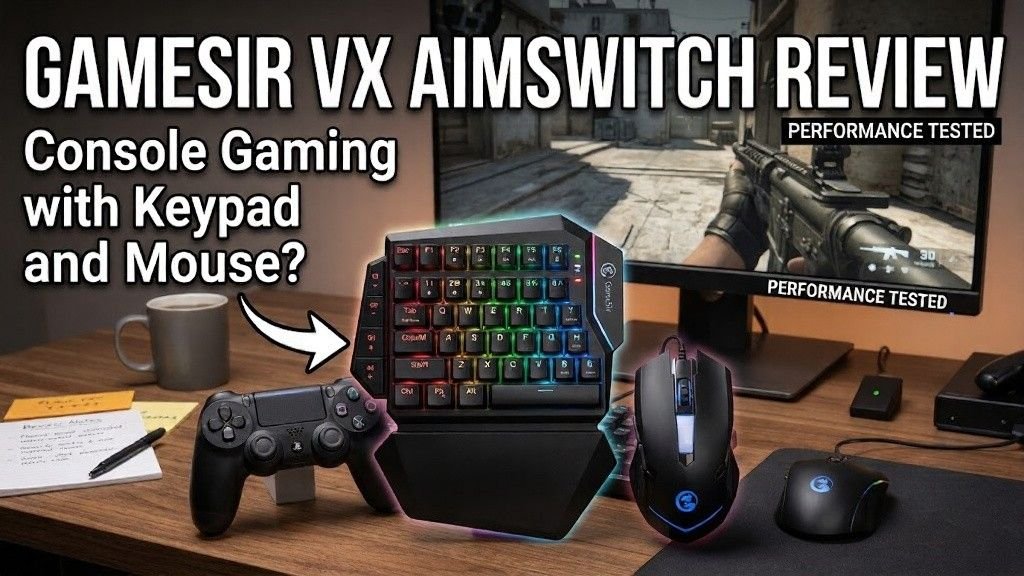
The GameSir VX AimSwitch grabs attention in console gaming right away. The GameSir VX AimSwitch brings a compact keypad and mouse combo designed for faster input and smoother control. It aims to give console players a PC like experience without leaving their platform.
At first glance, the GameSir VX AimSwitch feels like a clever upgrade for console setups. It mixes customization, portability, and cross-platform support in one device. The GameSir VX AimSwitch targets players who want more control than a standard controller offers.
However, the GameSir VX AimSwitch shows mixed results in real use. Some features feel useful, while others feel less refined. The GameSir VX AimSwitch promises precision but depends heavily on analog stick emulation, which limits accuracy.
What Is GameSir VX AimSwitch?
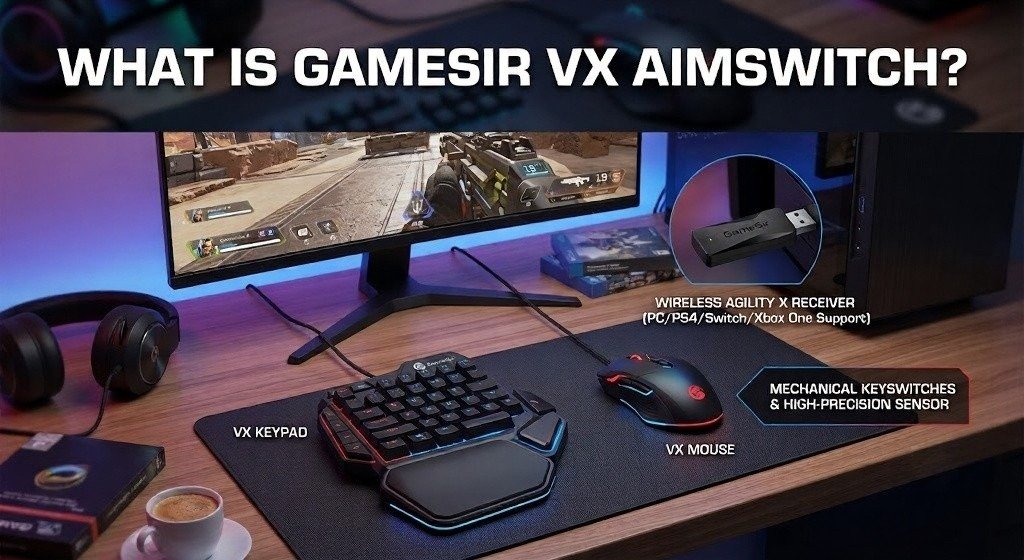
The GameSir VX AimSwitch review starts with a simple idea. Give console players a way to enjoy precision aiming, fast inputs, and customizable controls without switching to a PC.
At its core, the AimSwitch is a console keyboard and mouse adapter that turns your console into something closer to a hybrid gaming setup. Instead of a full keyboard, you get a compact gaming keypad with 34 programmable keys.
Pair that with a bundled gaming mouse, and you’ve got a full input system designed for flexibility.
But here’s the real question:
Does it feel like a premium gaming peripheral, or just another budget experiment?
We’ll get into that.
Who the GameSir VX AimSwitch Is Designed For
This device clearly targets:
- Console gamers curious about PC-style controls
- Players who want a controller alternative
- Fans of Nintendo Switch gaming, PS4, and Xbox titles
- Casual players who enjoy RPGs and strategy games
It is NOT really built for:
- Competitive FPS players
- High-end esports setups
- Users expecting premium mechanical keyboard quality
Why This VX AimSwitch Review Matters
The market for console keyboard and mouse adapters is growing fast. Players want:
- Better mouse precision on console
- Faster reaction times
- More flexible custom key bindings
But most devices struggle with one big problem: translating mouse movement into analog stick mapping.
And that’s where things get interesting and messy.
Unboxing and Product Specifications
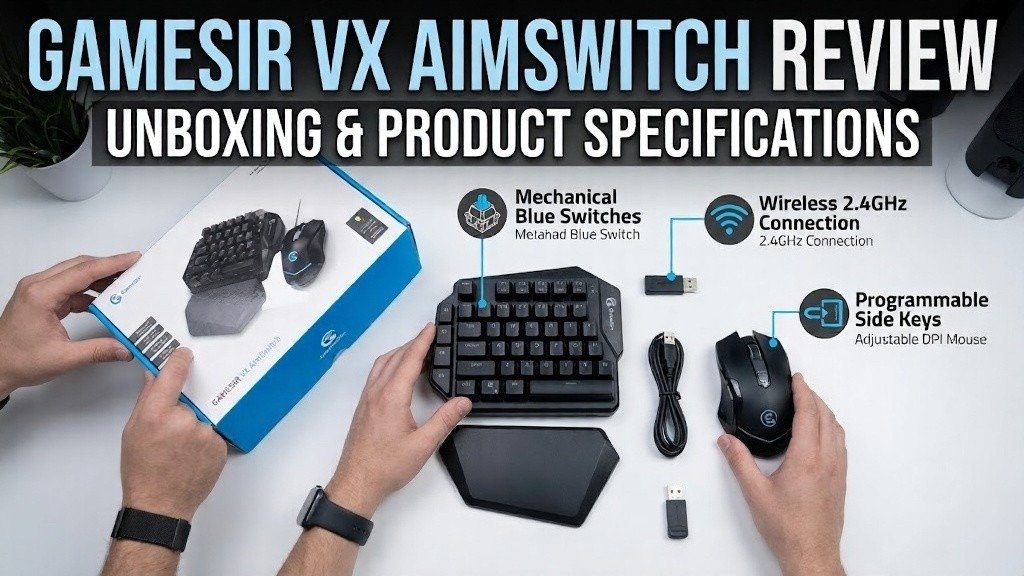
Out of the box, the GameSir VX AimSwitch gives you:
- Half mechanical keyboard (34 keys)
- Wireless gaming mouse
- USB receiver
- Wrist rest
- Documentation + setup guide
At first glance, it feels like a serious gaming accessories bundle, but the reality is more mixed.
Key Features at a Glance
- 34-key AimSwitch keypad
- Wireless 2.4GHz connection
- Full key remapping
- Multiple onboard profiles
- Mobile support via the G-Crux app
Technical Specifications
| Feature | Details |
| Connection | 2.4GHz wireless receiver |
| Platforms | PS3, PS4, Xbox One, Nintendo Switch |
| Key Type | TTC mechanical switches |
| Profiles | Up to 5 onboard |
| Software | G-Crux mobile app |
| Mouse Input | Analog stick emulation |
This is where expectations start to rise… maybe too quickly.
Design, Build Quality, and Ergonomics
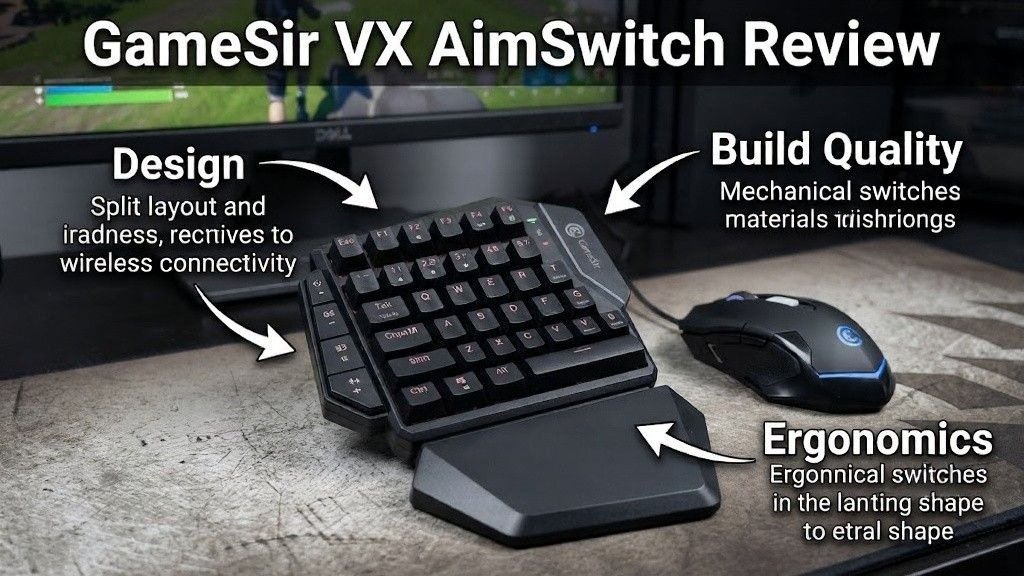
The design of the AimSwitch keypad is actually one of its strongest points.
You get a compact layout shaped like the left half of a keyboard. It feels familiar if you’ve ever used a mechanical keyboard, but trimmed down for console play.
Keypad Comfort and Ergonomics
The keypad ergonomics are surprisingly good:
- Thumb naturally rests on space or action keys
- Fingers align well with WASD-style movement
- Wrist rest improves long-session comfort
For casual console gaming, it actually feels smooth and intuitive.
Mouse Design Problems
Now here’s where the GameSir accessory review gets a bit harsh.
The bundled mouse feels:
- Too light
- Overly sensitive
- Cheap in build
- Poorly balanced for precision gaming
And that matters because mouse control is tied directly to right analog stick mapping, which already struggles with precision.
Build Quality Concerns
Let’s be honest:
- Keycaps feel thin
- TTC switches feel “budget-tier”
- No premium mechanical keyboard feel
- Plastic finish lacks refinement
So while it looks like a modern gaming input device, it doesn’t fully feel like one.
Setup Process and Initial Configuration
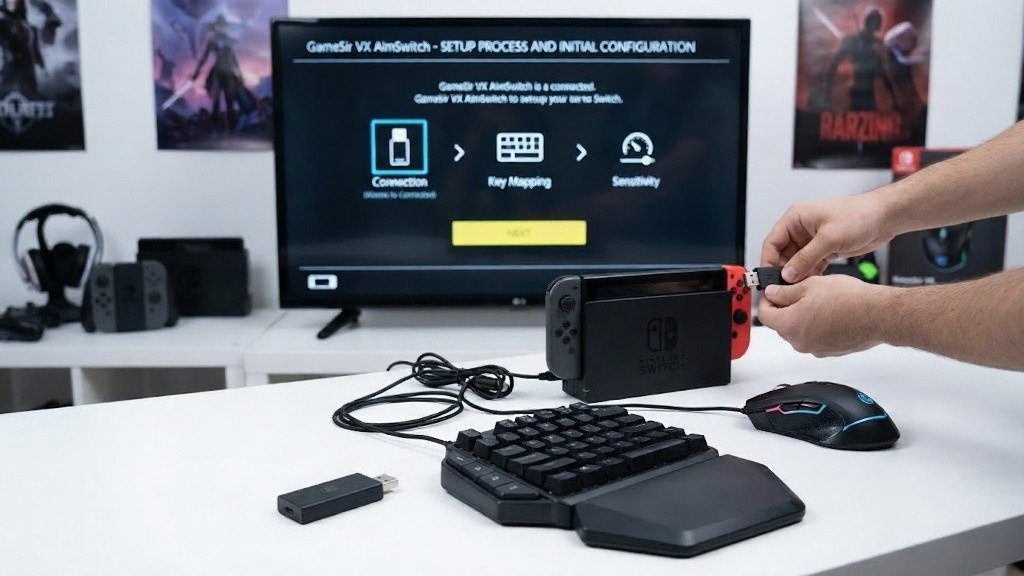
Setting up the GameSir VX AimSwitch is fairly simple.
Steps:
- Plug the USB receiver into the console dock
- Enable keyboard/mouse support
- Connect the device wirelessly
- Launch the game and configure controls
That’s it, you’re in.
G-Crux App Setup
The G-Crux app is where things get interesting.
It allows:
- Key remapping
- Firmware updates
- Profile switching
- Wireless configuration changes
But it’s not perfect.
Some users report inconsistent syncing between app changes and console response.
Still, it’s essential for unlocking full customization.
Console Mapping Experience
Different consoles behave differently:
- PS4 compatibility: stable but limited precision
- Xbox One compatibility: similar behavior
- Switch compatibility: easiest setup overall
The key issue is always the same: analog stick emulation
Gaming Performance and Accuracy
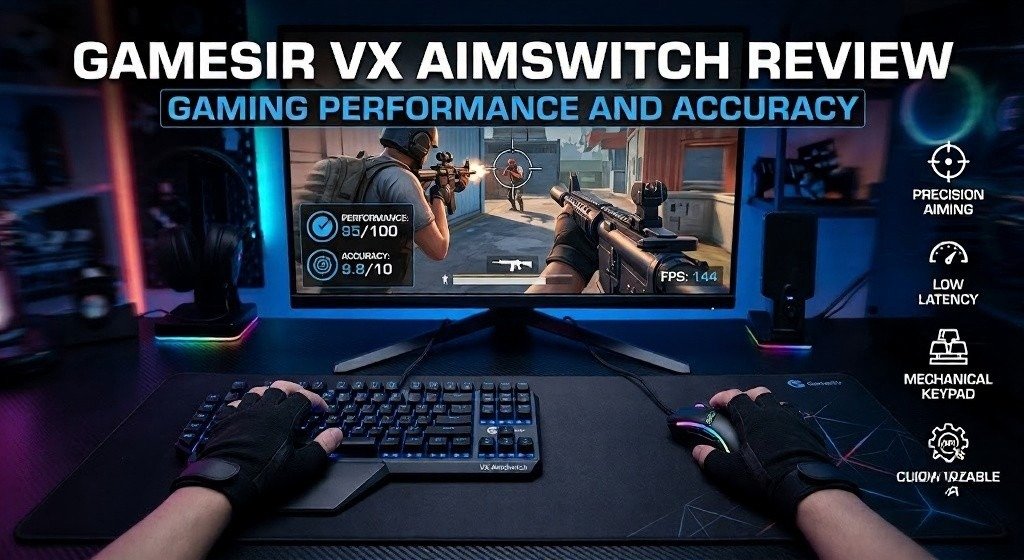
This is the most important part of the entire VX AimSwitch review.
FPS Gaming Experience
In fast-paced shooters, the device struggles.
Why?
- Mouse movement converts to stick input
- No true raw input support
- Sensitivity feels inconsistent
So instead of sharp aim, you get:
- Slight delays
- Overcorrection
- “Floaty” camera movement
Not ideal for competitive precision aiming.
RPG and Casual Gaming
This is where it shines more.
For example:
- Menu navigation in RPGs
- Strategy games
- Exploration-heavy titles
It feels natural, especially compared to a controller.
Competitive Limitations
Let’s be direct:
- Not built for esports-level gaming performance
- Weak consistency in fast input scenarios
- Requires constant tweaking of mouse sensitivity settings
User Experience, Features, and Customization
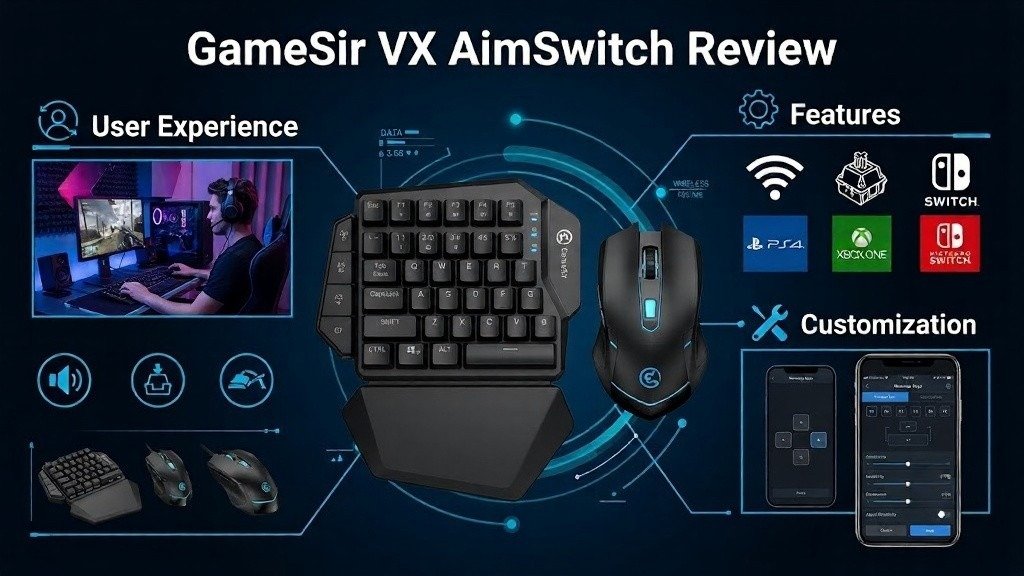
Customization is the strongest feature of this gaming keypad system.
Key Remapping and Profiles
You get:
- Up to 5 onboard profiles
- Fully customizable key bindings
- Fast switching between setups
This is great for different game genres.
G-Crux App Experience
The app offers flexibility, but:
- UI feels outdated
- Syncing can be inconsistent
- Setup takes trial and error
Still, it’s powerful once you get used to it.
Wireless Stability
Wireless performance is mostly stable:
- No major disconnects
- Low noticeable lag
- Reliable wireless connectivity
Pros, Cons, and Value for Money
Let’s break it down clearly.
Pros
- Strong, customizable gaming keypad
- Good console compatibility
- Comfortable ergonomic layout
- Flexible key remapping system
- Useful for casual gaming
Cons
- Weak build quality concerns
- Poor bundled mouse performance
- Inaccurate analog stick emulation
- Requires constant tweaking
- Not ideal for FPS games
Value for Money
At around $100, expectations are high.
But here’s the reality:
| Category | Rating |
| Design | 7/10 |
| Performance | 5/10 |
| Customization | 8/10 |
| Build Quality | 5/10 |
| Value | 6/10 |
So it sits in the “interesting but flawed” category of budget gaming peripherals.
Final Verdict
The GameSir VX AimSwitch review ends with a mixed conclusion.
This is a device with real potential. It brings console keyboard and mouse adapter functionality to mainstream players in a compact, flexible form.
But execution matters, and here it falls short.
Who Should Buy It?
Buy it if you:
- Want casual console gaming customization
- Prefer keyboards over controllers
- Play slower-paced games
- Enjoy experimenting with setups
Who Should Avoid It?
Avoid it if you:
- Play competitive FPS games
- Expect true mouse precision on console
- Want premium build quality
- Need plug-and-play perfection
Final Thoughts on the GameSir VX AimSwitch
The idea is strong. The execution is average.
It feels like a prototype of something better, something that could redefine console input solutions if refined properly.
But right now?
It’s more of a “cool experiment” than a must-buy gaming hardware review winner.

Welcome to Gaming Station! I’m Hussain Umer, an AI-Powered SEO and Content Writer with 4 years of experience. I help websites rank higher, grow traffic, and look amazing. My goal is to make SEO and web design simple and effective for everyone.
Let’s achieve more together!