
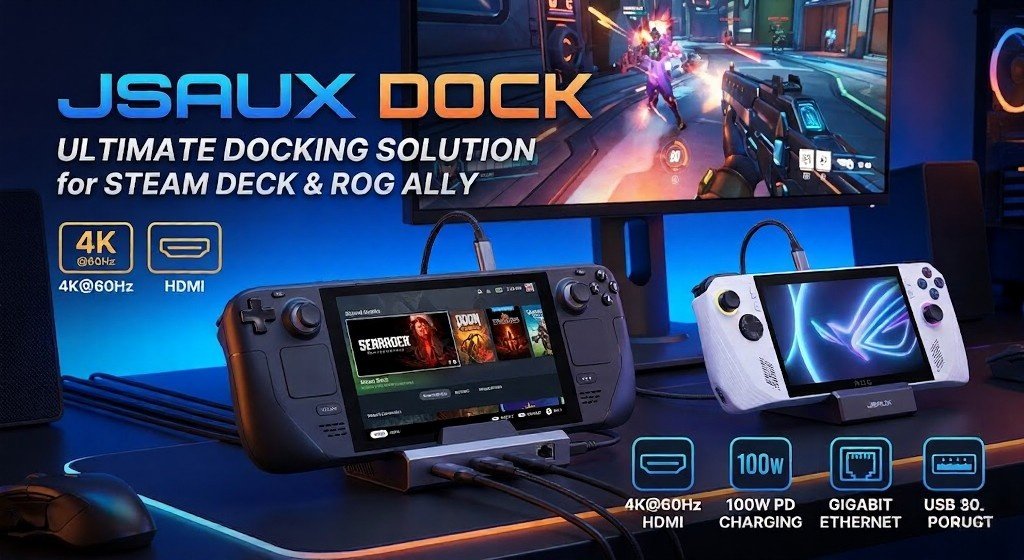
Skipping basics, my review starts where buying doubts begin. The JSAUX dock caught me after comparing crowded docks. On Amazon, the storefront offers every choice and option. That multitude felt excessive; I was almost paralysed there.
Many look interchangeable, despite small variations and hidden caveats. This 6-in-1 Multifunction Adapter promises practical Steam Deck use. Its USB-C layout suits desks, travel bags, and testing. After weeks of daily paces, it stayed reliably solid.
From a technician’s eye, performance feels respectable, not flashy. The shell is unremarkable, though the odd aesthetic grew on me. I had early qualms, mostly around heat and cable fit. Still, in the buyer’s market, it holds its ground.
Current pricing hovers near averages, landing around the midpoint. I found the best value close to $42.99 online. In UK listings, £47.99 seems the fair baseline. That keeps it a smart pick, not a perfect legend.
JSAUX 6-in-1 Docking Station
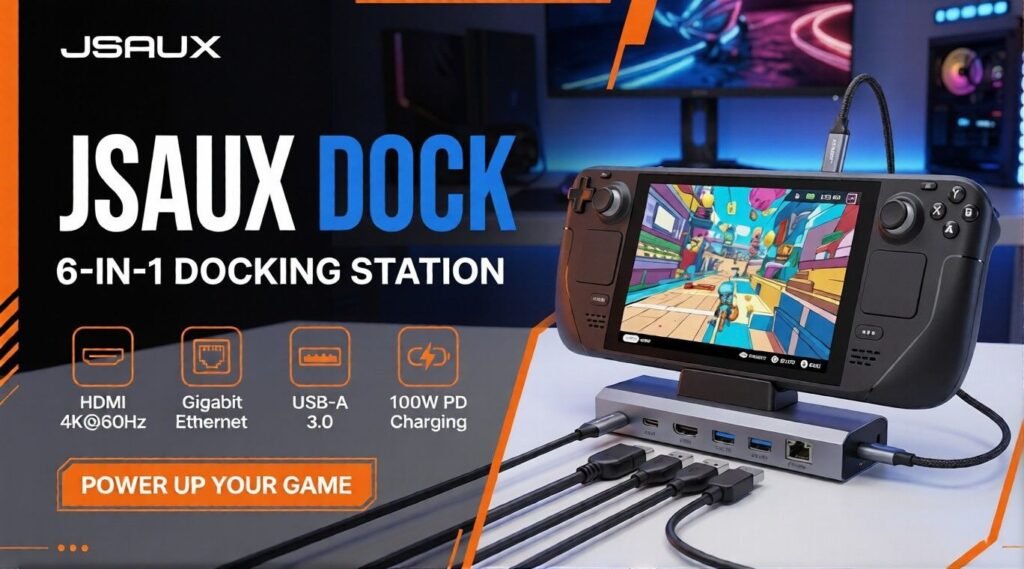
Previous context matters, but this Review starts with daily use. The JSAUX Docking Station changed my Steam Deck routine. On my couch, it made handheld gaming feel cleaner. It also pushed the OLED screen toward bigger-room play.
Connected to a TV, it felt closer to console comfort. Yet the platform still behaved like a small PC. That mix suits people who love flexible games daily. I was fortunate; the setup stayed smooth from the first boot.
My unit was the HB0603, a practical standard model. I also tested HB0604 with another device for comparison. Both worked with the stock charger without strange power drops. That gave the whole experience a steady, professional feel.
One version adds an M.2 SSD enclosure underneath. With a 2TB drive, I kept more titles preloaded. That matters when larger games quickly fill internal storage. For me, that upgrade made travel sessions far easier.
HB0603 and HB0604 Similarities
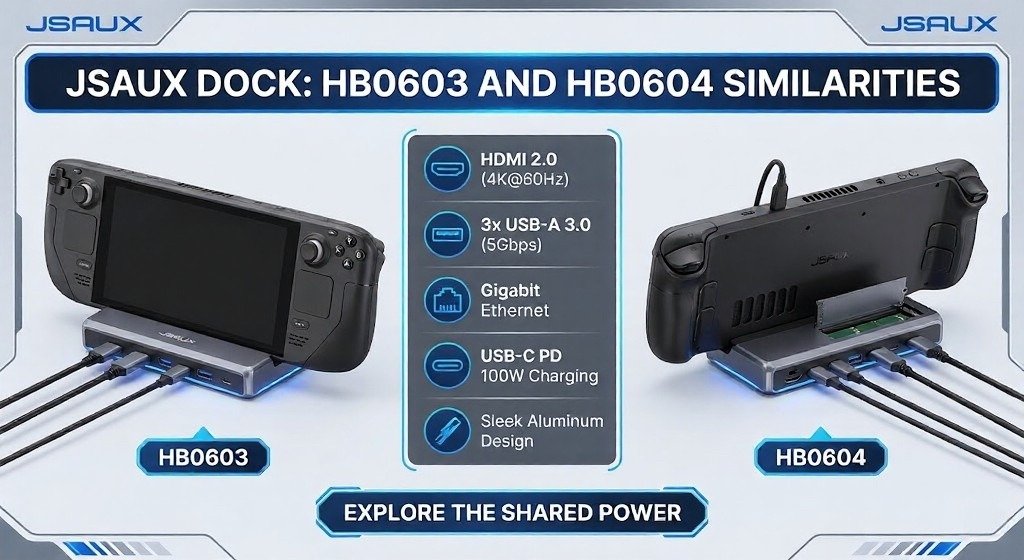
Keeping the earlier context, this part compares shared strengths. Both HB0603 and HB0604 are reliable docking stations. In my tests, each handled PC and gaming well. They also supported handhelds like the Steam Deck smoothly.
I also tried them with the ASUS ROG Ally. Each used USB-C cleanly and kept stable charging. The rear cable layout felt tidy on my desk. Extra USB-A ports helped with simple daily accessories.
For display work, both include HDMI 2.0 output. I got 4K at 60Hz on one monitor. I also saw 2K at 120Hz during testing. That makes these docks useful beyond one battle setup.
Both include gigabit Ethernet, which improved download consistency. That matters when a station stays connected all week. From experience, their shared basics feel more important. Here, similarities matter more than flashy differences alone.
HB0603 and HB0604 Differences
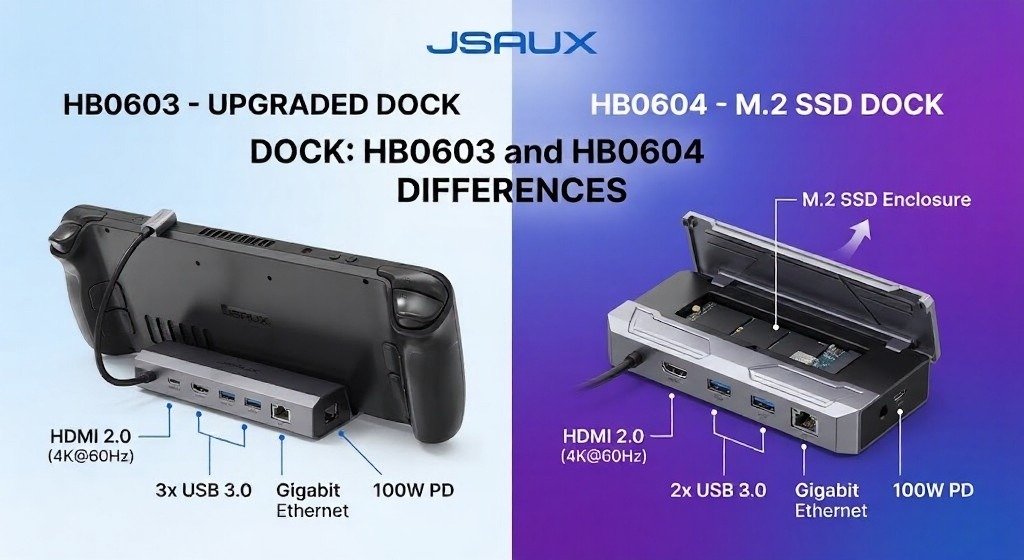
Keeping earlier points in view, the real split appears here. The differences between HB0603 and HB0604 are practical. At first glance, both look close in dimensions and shape. But one feels heavier, which was surprisingly pleasant daily.
The power story also changes more than expected. HB0603 worked fine with a 45W charger in testing. HB0604 felt better paired with a 65W unit. That made sustained use feel more stable, not just faster.
Port behaviour is another small but real divider. Both offer USB-A, yet speeds differ between 3.0 and 3.2. For file moves, that gap is minor sometimes. With larger transfers, it becomes considerably more noticeable.
The biggest change is storage flexibility underneath the shell. HB0604 includes a built-in M.2 slot for expansion. That means adding an SSD inside the docking station. HB0603 stays simpler, which some users may still prefer.
Ports, Utility, and Connectivity
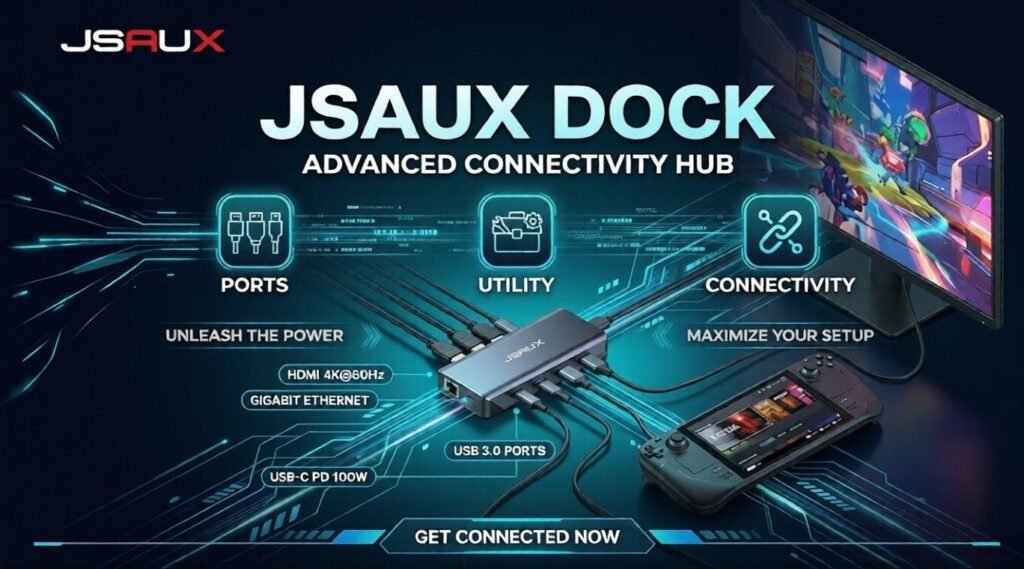
From the earlier context, this part matters most daily. In my review, good docks earn trust through function. The real value starts with smart ports and a clean layout. That alone makes a handheld feel much bigger.
Once connected to a screen, the setup feels more complete. The Ethernet link gave me faster, more reliable internet. That helped downloads, updates, and remote tests stay consistent. For stable sessions, wired always beats chance for me.
The rear USB spread is simple but genuinely helpful. I used a keyboard, mouse, and one extra device. Compared with Bluetooth, each connection felt tighter and cleaner. Input delay dropped enough to notice less latency.
That created the smoothest playing experience during longer evenings. Day to day, the utility feels quietly incredible, not flashy. As someone testing gear often, I value that balance. It works without drama, which matters more than hype.
Build Quality and Quality of Life
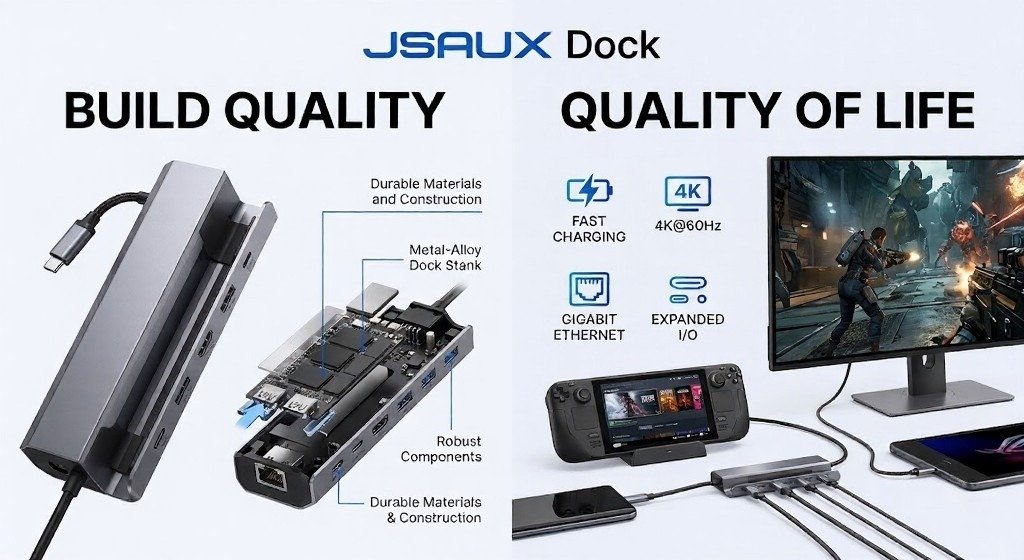
Keeping the earlier context, this section shifts to everyday life. Good docking stations prove themselves through long-term quality of life. This item covers the basic needs of my home setup. It keeps my Steam Deck ready to charge after gaming.
I like seeing it stay fully charged between sessions. That comes down to smart build choices, not marketing. The mix of TPE and aluminium feels firm in the hand. Nothing seems ready to snap or break under pressure.
That durability adds real peace of mind over time. Its sleek, small profile also helps crowded desks. The base has rubber pads that hold position well. My handheld stayed in place during rushed plug-ins.
Those details also prevent scratches and ugly marks. After repeated testing, that protection still matters to me. From experience, comfort features often outlast flashy extras. Here, the practical details quietly improve daily use.
HB0604 SSD Setup and Performance
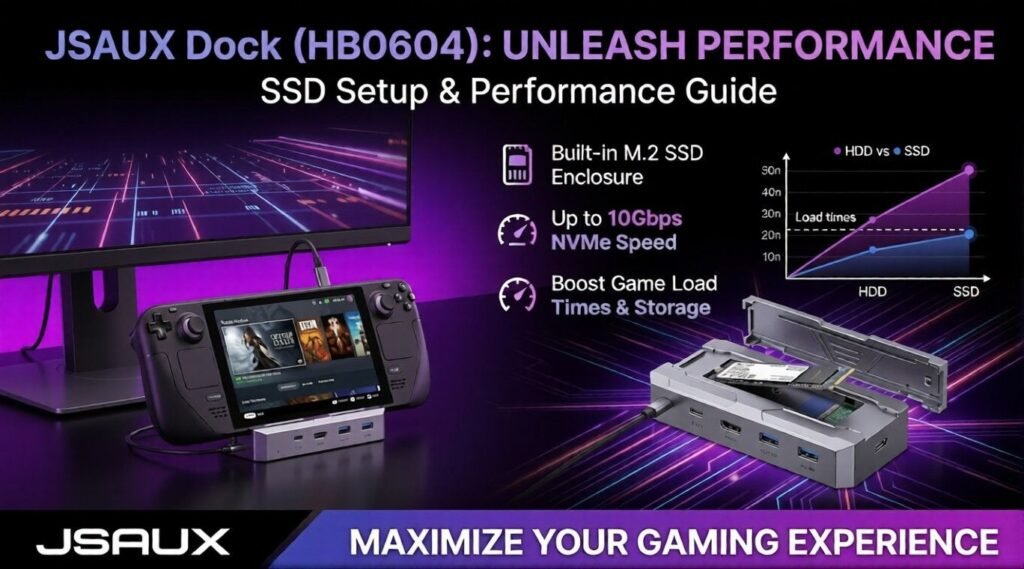
Keeping the earlier context, this part focuses on storage. The HB0604 adds SSD flexibility beyond the basic dock. In my testing, the setup felt surprisingly easy throughout. With the Steam Deck OLED, extra storage quickly proved useful.
I opened settings, checked the format, and confirmed the drive. The included tray kept the process simple and neat. Once connected, the docking station recognised it without drama. That saved time and kept early problems to a minimal level.
For games, the benefit starts during downloading and installation. Large files moved cleanly to the external space. That protected the internal memory for other needs. From experience, this balance makes daily use much easier.
In play, loading stayed steady while playing several titles. I noticed no serious slowdown across repeated sessions. For practical users, this upgrade feels more useful. It turns the dock into a smarter storage tool.
HB0604 Recommendation Scenarios
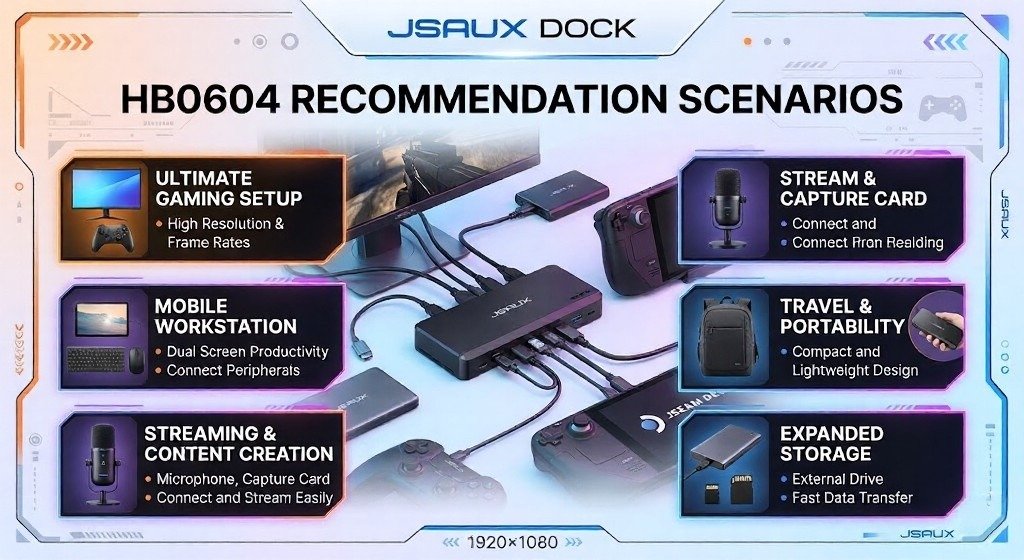
I would recommend the HB0604 in specific scenarios first. It suits anyone with a spare M.2 SSD already. One lying around can instantly expand your device storage.
That alone makes the base package feel more solid. At $99.99, the value improves if storage is included. It also helps people juggling multiple massive games. For a busy handheld setup, that matters every week.
I also like it as a compact workstation hub. It handles non-game files better than a simple dock. Using an external drive becomes less necessary over time. From experience, that cleaner setup feels worth paying for.
Final Verdict and Pricing
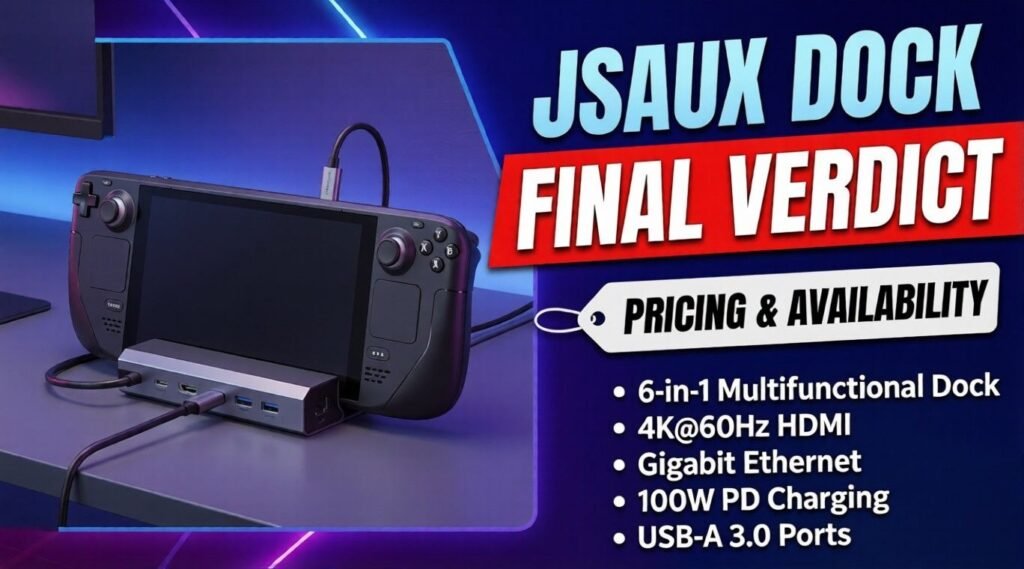
Keeping the earlier sections in mind, my view is clearer. JSAUX makes docking stations that fit modern habits well. For PC use, gaming, and handhelds, they stay practical. That range alone makes these docks easy to rate seriously.
At this point, I can recommend the HB0603 confidently. As of this writing, sale prices look very reasonable. I keep seeing $39.99, which feels like a fair score. If value matters most, I rate it highly among basics.
You may need less, or simply want more features. That is where priorities start to matter more. For most buyers, both models feel surprisingly incredible daily. From experience, price decides more than performance here.
Gaming Overview Table:
| Aspect | Overview |
| Compatibility | Commonly used with Steam Deck and often works with other USB-C handhelds, tablets, and some phones, depending on the model. |
| Gaming Performance | The dock does not boost in-game FPS directly; its main value is enabling big-screen play, wired accessories, and stable connectivity. |
| Display Output | Many JSAUX docks support external monitor/TV output through HDMI, making them good for couch gaming and desktop-style setups. |
| Connectivity | Usually includes useful gaming ports like USB-A for controllers/keyboard/mouse, USB-C power input, and sometimes Ethernet for lower-latency online play. |
| Best Use Case | Best for players who want to turn a handheld into a home gaming station with charging, peripherals, and TV/monitor support in one setup. |
FAQ’s
Q. Is the JSAUX 6-in-1 Dock good for Steam Deck users?
Ans: Yes, it works very well for Steam Deck users. It helps with TV play, charging, and accessories.
Q. What makes the JSAUX dock stand out from other crowded options?
Ans: It offers practical features without becoming confusing or complicated. It stayed reliable and solid during daily testing.
Q. What is the main difference between HB0603 and HB0604?
Ans: HB0604 includes a built-in M.2 SSD slot underneath. HB0603 is simpler and lacks storage expansion support.
Q. Does the JSAUX dock support external displays well?
Ans: Yes, both models handled external displays smoothly in testing. They supported 4K 60Hz and 2K 120Hz output.
Q. Is Ethernet on the JSAUX dock actually useful for gaming?
Ans: Yes, Ethernet made downloads and updates more stable. It also improved online reliability over wireless connections.
Q. How is the build quality of the JSAUX dock?
Ans: The build feels firm with aluminium and TPE materials. Rubber pads prevent slipping, scratches, and unwanted movement.
Q. Does the JSAUX dock improve gaming performance or FPS?
Ans: No, it does not directly improve gaming FPS. It improves connectivity and supports bigger-screen gaming setups.
Q. Is the HB0604 worth buying for extra storage?
Ans: Yes, it is useful for spare M.2 SSD owners. It adds storage and improves overall dock functionality.
Q. What kind of users should choose the HB0603?
Ans: HB0603 suits users wanting a simple, affordable docking station. It covers essential features without advanced storage options.
Q. Is the JSAUX dock a good value for the price?
Ans: Yes, it offers solid value at sale pricing. It is a smart buy for most users.
Conclusion
Overall, JSAUX delivers dependable value without pretending to be revolutionary. The HB0603 suits most players wanting simplicity, stability, and savings. It coversessential gaming, charging, and desktop needs confidently.
For everyday Steam Deck use, that balance matters most.HB0604 makes better sense when extra storage genuinely helps. Its SSD slot addsflexibility for heavier libraries and travel. Neither dock feels perfect, but both stay practical daily. If price matches priorities, either choice should satisfy well.

Welcome to Gaming Station! I’m Hussain Umer, an AI-Powered SEO and Content Writer with 4 years of experience. I help websites rank higher, grow traffic, and look amazing. My goal is to make SEO and web design simple and effective for everyone.
Let’s achieve more together!